Getting started / Demo mode / Volume control
Getting started
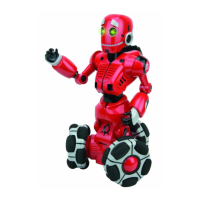
AfteryouhaveinsertedbatteriesinTri-botandtheremotecontroller,youareready
tomeetyourTri-bot!First,placehimupright,onalargesmooth,atsurface,away
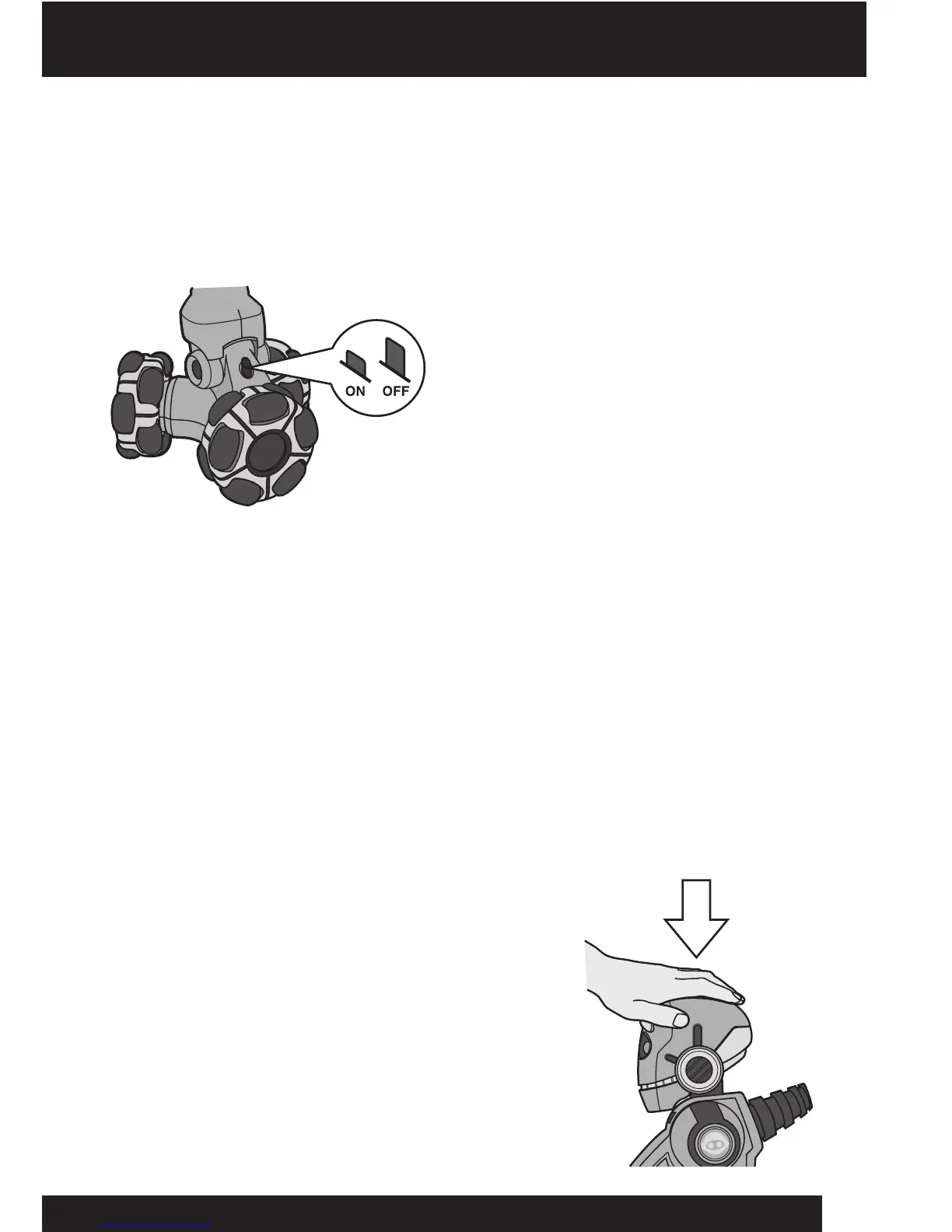
fromedgesandobstacles.Next,locatethepowerswitchontheback,justabovethe
wheels.PressitoncetoturnTri-botON.
Hewillbeginoneofhismanystart-up
routinesasheintroduceshimself!Hewill
rovearound,speak,andhisfacewillbe
animated.Ifyouwanttostophimatany
timeduringhisstart-uproutine,pressany
buttonontheremotecontroller.
Demo mode
Tri-bothasvariousdemoroutinestoshowhismotions,animationsandpersonality!
Hewilltellyoumoreabouthisfeaturesandevenjokewithyou.Toaccessthese
functions,pointtheremotecontrolleratTri-botandpresstheDEMObutton.
NOTE:Tri-botmovesaroundduringanydemoroutine.Ensurehissurroundingareais
freefromobstaclesandedges.
Volume control
Tri-bothasthreevolumelevels:high,mediumorlow.Youcannotchangethevolume
whenTri-botisinafunctionmodeorplayingagame.Thebesttimetochangethe
volumeiswhenheisrstturnedon.Thedefaultvolumeis‘high’.
Tochangethevolume,dothefollowing:
1.GentlypressTri-bot’sheadinavertical,
downwardsdirection,asshown.
2.Presshisheadoncetosethisvolumeto
‘medium’,andtwicefor‘low’.Pressinghis
headathirdtimewillsetthevolumeback
to‘high’.
6











 To Next Page