Controlling Tri-bot
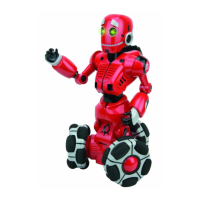
Tri-bothasathree-wheeledomni-directionalbase.Hecaneasilymoveinany
direction(includingdiagonally),turn,andevenspinonthespot.Hedetectssignals
fromtheremotecontrollerregardlessofthedirectionheisfacing.
Driving control
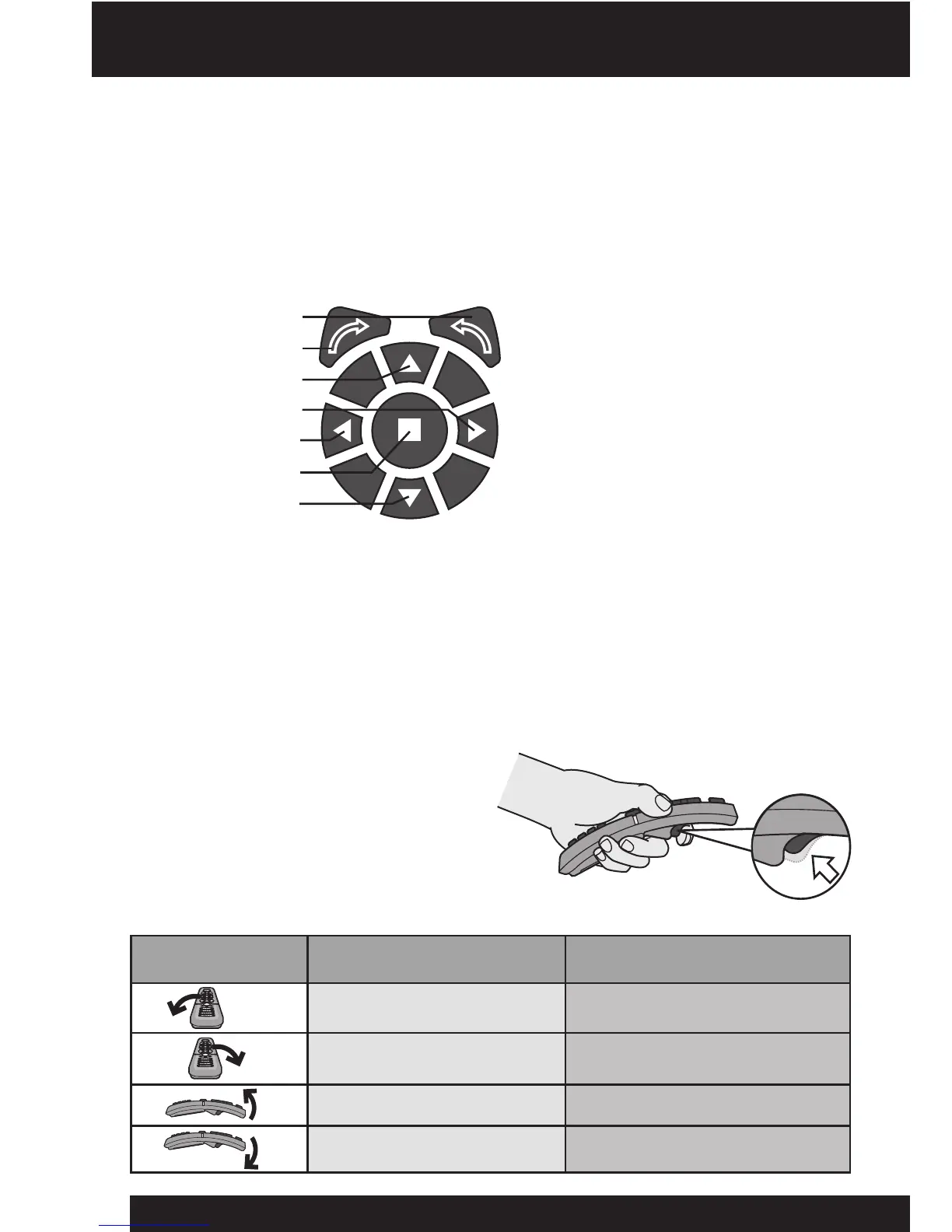
Tocontrolhismovementsyoucan
usethedirectionpadontheremote
controller.Forexample,pressthe
leftdirectionbutton,tomoveTri-bot
tohisleft.Tomakehimturnonthe
spot,usethearrowbuttonsforeither
clockwise,orcounter-clockwiseturns.
Ashedrivesaround,Tri-botcandetectobstaclesinhisrange.Hecanonlysee
obstaclesthataredirectlyinfrontof,orbehindhim.Hecannotdetectobstacles
whenheisdrivingsideways,diagonallyorturningonthespot.Hetalksandmakes
commentsashegoes!
Tilt sensor control
Theremotecontrollerisequippedwithatilt
sensor.YoucanmoveTri-botleft,right,
forwardsandbackwardsbypressingthe
triggerlocatedonthebackoftheremote
controllerwhiletiltingit.Tri-botwillcomment
thatheisreadyforcommands.
Controlling Tri-bot - Driving control / Tilt sensor control
Counter-clockwiseturn
Clockwiseturn
Forward
Right
Left
Stop
Backward
7
Tri-bot’s direction
Tri-botmovestohisleft
Tri-botmovestohisright
Tri-botmovesbackwards
Tri-botmovesforwards
Tilt direction
Left
Right
Up
Down
Remote controller
direction











 To Next Page