9mm
9mm
K
A
C
K
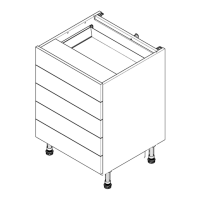
Step 7.
Cut back panel (A)
to suit appliance
option, to leaving the
centre appliance aperture open.
B
A A
A
A
C
C
E
E
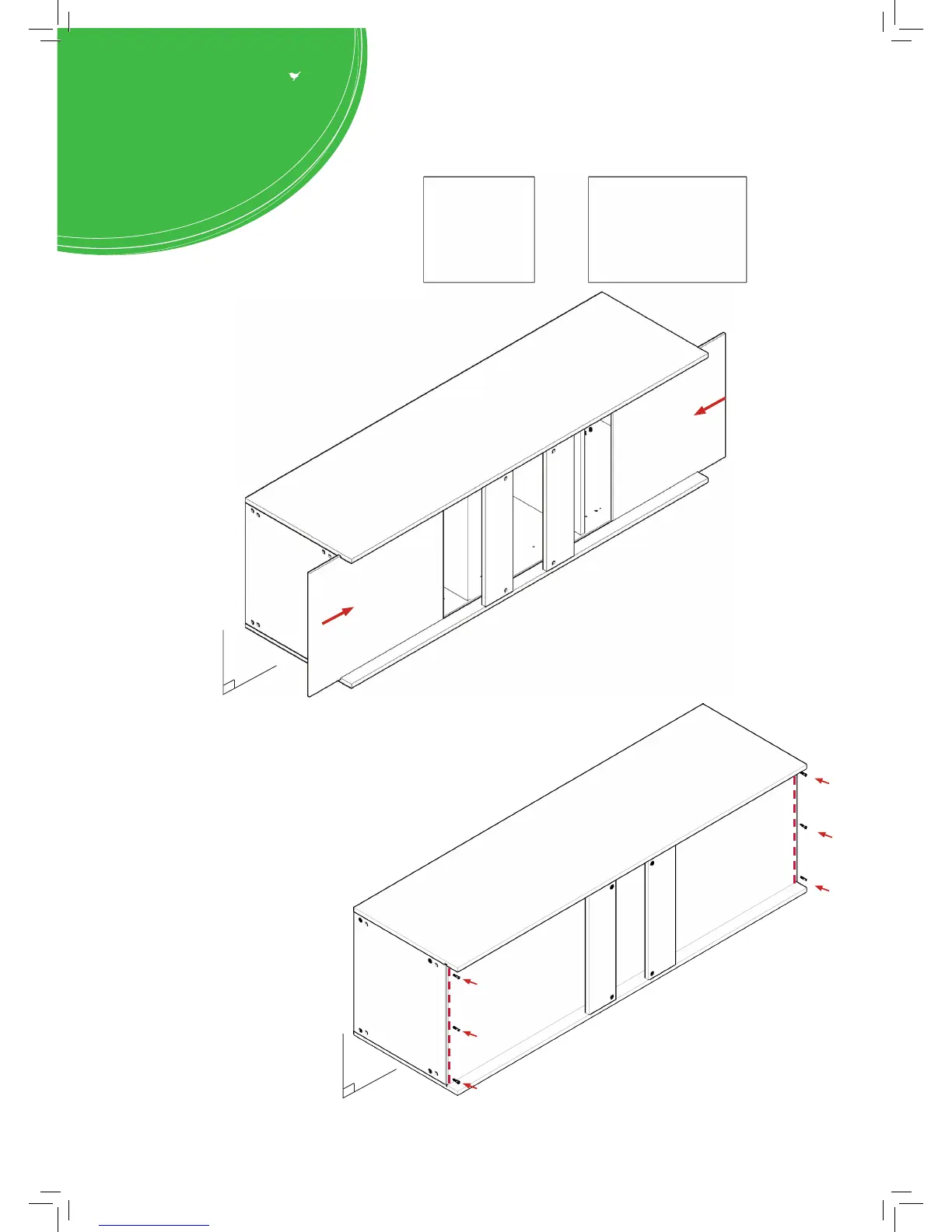
Step 8.
Slide back panel (A) into
groove of end panels (B).
Once back panel (A) is in position,
ensure the panel is ush & square with
bottom of end Panels (B).
Step 10.
Ensure carcass is square. Secure back
panel (A) with 12 x 30mm screws (K)
equally spaced at the top & bottom of
back panels (A) into base panels (C),
as shown.
Ensure you screw into the centre of base
panel (C) (9mm from the top or bottom
edge where applicable).
Step 9.
Hand tighten all cam locks (H), this will
expand cam dowels (G) and tighten
the unit together.



 To Next Page