GENERAL
M6060, M7060, WSM
G-9
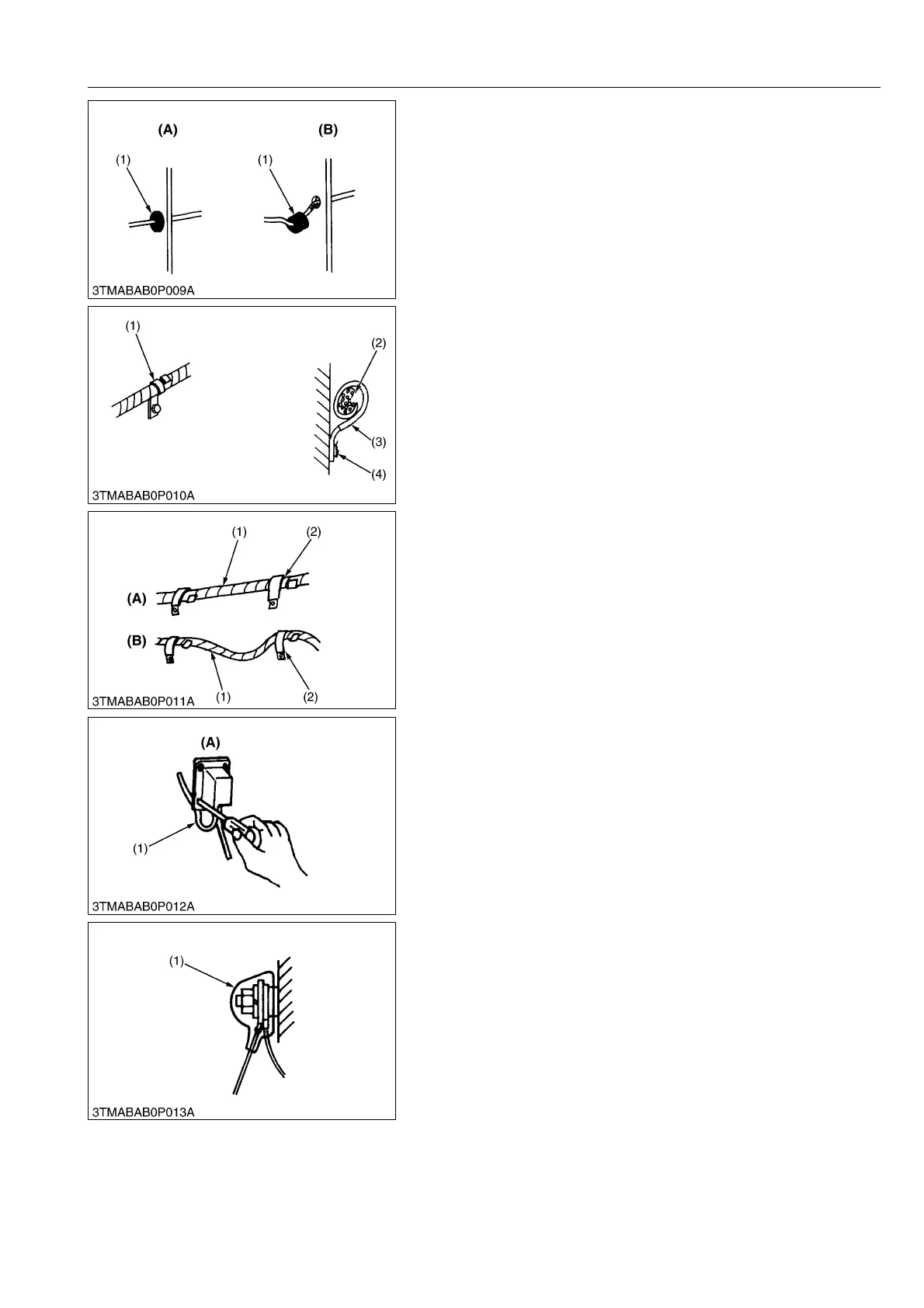
• Securely insert grommet.
WSM000001GEG0066US0
• Securely clamp, being careful not to damage wiring.
WSM000001GEG0067US0
• Clamp wiring so that there is no twist, unnecessary sag, or
excessive tension, except for movable part, where sag be
required.
WSM000001GEG0068US0
• In installing a part, be careful not to get wiring caught by it.
WSM000001GEG0069US0
• After installing wiring, check protection of terminals and
clamped condition of wiring.
WSM000001GEG0070US0
(1) Grommet (A) Correct
(B) Incorrect
(1) Clamp
(Wind Clamp Spirally)
(2) Wire Harness
(3) Clamp
(4) Welding Dent
(1) Wiring
(2) Clamp
(A) Correct
(B) Incorrect
(1) Wiring (A) Incorrect
(1) Cover
(Securely Install Cover)



 To Next Page