05
Note:
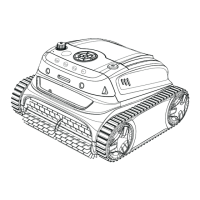
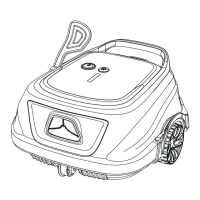
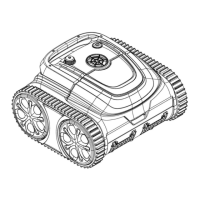
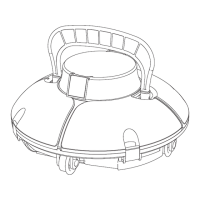
Cleaning Range
Mode
Wall+ Floor+Waterline
Floor
Wall *1+ Floor *1
Full pool cleaning
Floor only
Wall then floor
Longer runtime than ‘Floor only’ cleaning mode
Eco floor
Wall only
Wall
After connecting to your App, you can preset a suitable cleaning mode for your device.
There are 4 cleaning modes, and you can see details below.
Choose your cleaning mode
1. You can preset your cleaning modes via App before device is put into the
pool. The default mode is Wall then floor.
2. If the device restarts, it will automatically enter the cleaning mode you set last
time
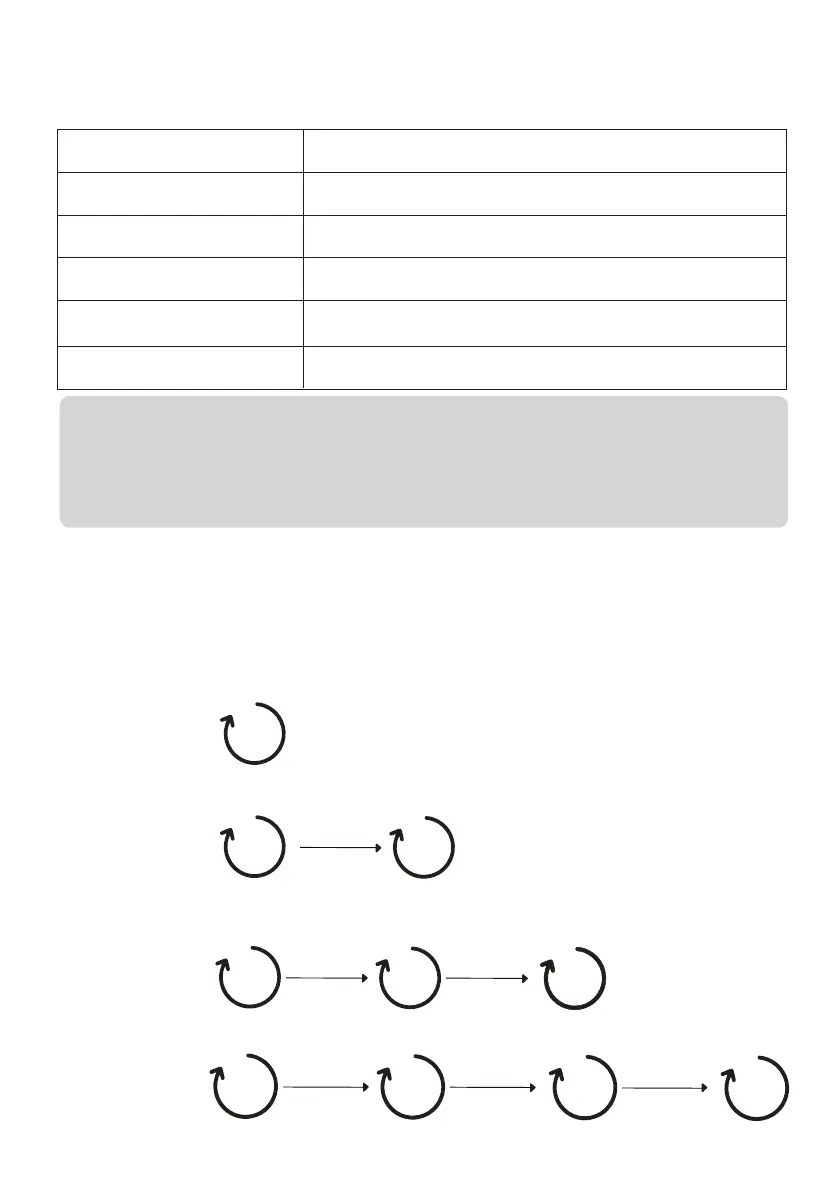
Preset your cleaning cycle via the app
You can start to schedule your cleaning cycle through clicking the “cycle timer” on
the app, and select the one you prefer. You may refer to below for a better under-
standing of the working principle.
Cycle 1 120min*1
Cycle 2 60min*2
Cycle 3 40min*3
Cycle 4 30min*4
(default)
24 hours
60min.
60min.
1st day
2nd day
24 hours
40min.
24 hours
40min.
1st day
2nd day
40min.
3rd day
120min.
1st day
48 hours
30min.
48 hours
30min.
1st day
3rd day
30min.
5th day
48 hours
30min.
7th day



 To Next Page