04
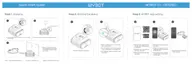
You can download the WYBOT App to your smart mobile device by scanning QR code
below, or from Google Play or App Store.
Connect to your App
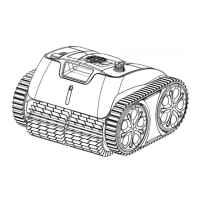
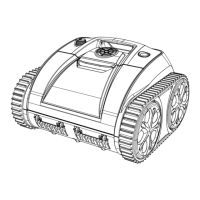
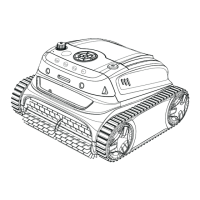
Setup your new WYBOT C1(OS7010C)
Note:
1. When yellow light flashes, you should remove your device out of water and
charge it.
2. If red LED light is on, you can find solution from trouble shooting in this manual
or call for service.
You can turn on the device by pressing the on/off button. The LED indicator on the
front will display a solid when the device is on.
iOS Android
iOS 15.0 or later Android 8.0 or later
LED Light Indication
Solid
Flashing
Solid
Flashing
Solid or flashing
Status
Power On
Under working
Connecting to App
Fault
Flashing
Solid
Charging in progress
Fully charged
The LED will continue a flashing indicating low battery when powering on the
device, and you should charge it immediately.
Note:
Charging in progess, low battery
or under self-parking in the pool



 To Next Page