03
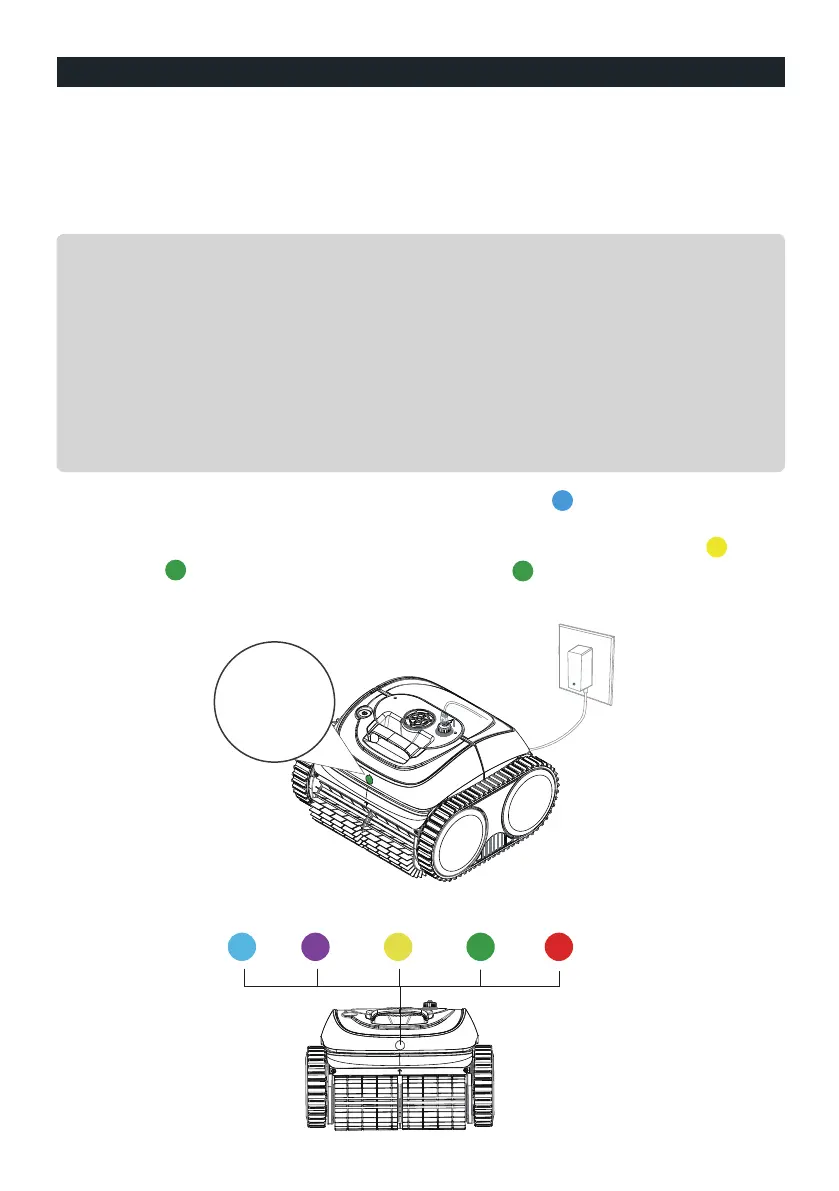
The device has a lithium-ion rechargeable battery, and you need to charge the batte-
ry before first use and when the battery is low.
Connect your device to a power outlet using the included cable and adaptor.
GET STARTED
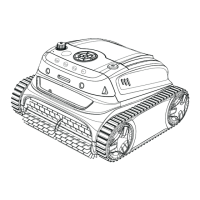
Charge your new WYBOT C1(OS7010C)
The adaptor has an indicator, Which will display blue light indicating the power
supply status.
Below is the indication of the LED lights, you may refer it to know different device
status.
Charging
indicator
Note:
1. When charging ,you should ensure your device at least 3m (appr. 10ft) away from
the edge of the pool.
2. For reducing fire risk, keep your device and adaptor away from direct
sunshine or water when charging.
3. For your important safety, you need to double check the device is powered off
and the charging port is dry before charging.
4. The best charging environment is temperature at 32℉ -95℉ (0℃ -35℃ ), RH at
5%-95%.
The LED indicator in the front of the device will turn starting from a flashing light
to a flashing light during charging, and turn a solid light when fully charged.



 To Next Page