2
3
Table of contents
5 Chapter 1 Intended use
5 Explanation of symbols
6
Chapter 2 Safety information
9 Before use
10
Chapter 3 The device
10 Features
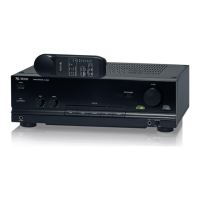
10 The A-1200
12 Description of remote controls
17 Inserting batteries into the remote controls/Battery information
19
Chapter 4 Setup
20
Chapter 5 Connections
20 Connecting the device to a power supply
20 Connecting analog end devices
20 Connecting speakers
22
Chapter 6 General operation
22 Turning on and playing an audio source
23 Sound settings
24
Chapter 7 Troubleshooting
26
Chapter 8 Maintenance and cleaning
28
Chapter 9 Speci cations
28 Technical data
28 Delivery contents


 To Next Page