10
11
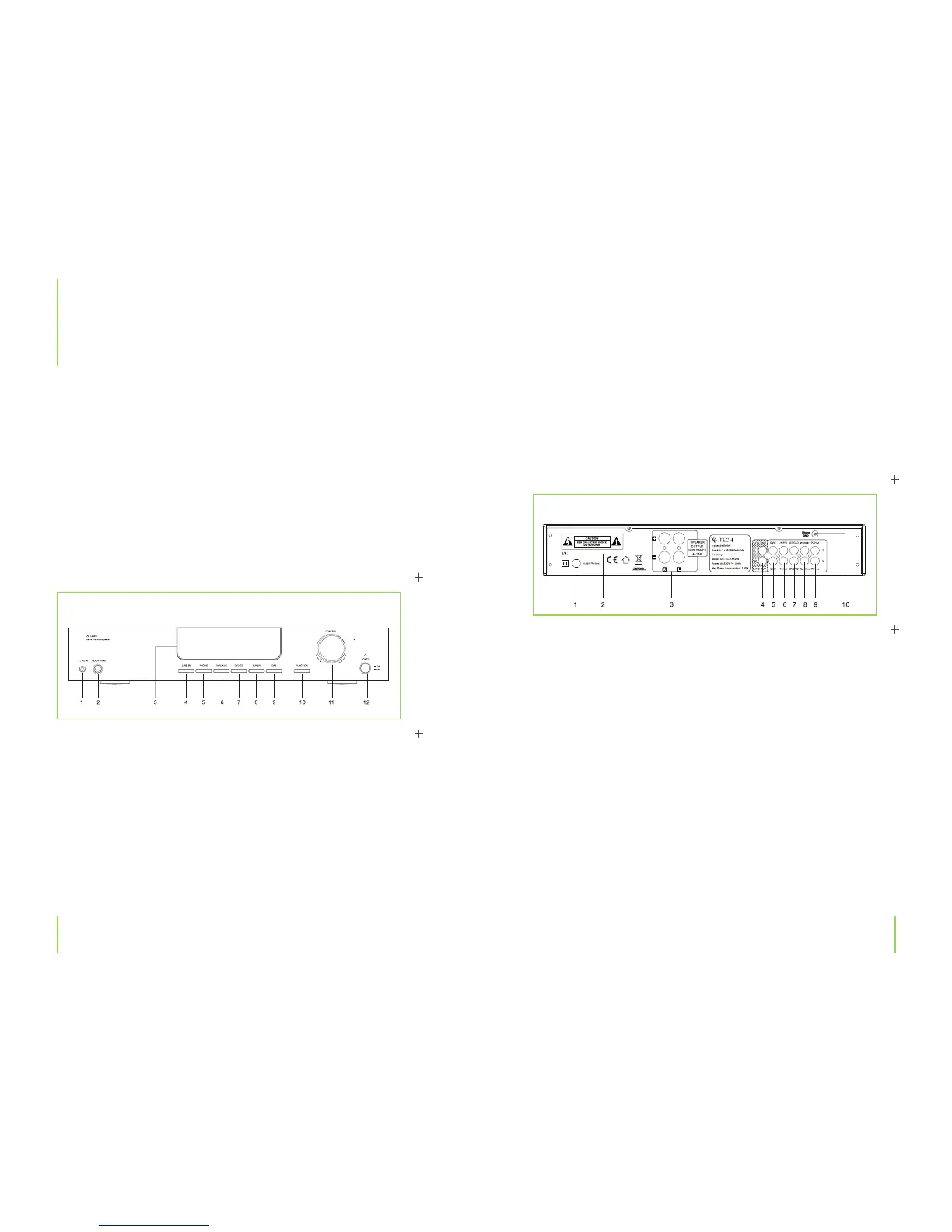
9. DAB: Selects the DAB input as source
10. FUNCTION button (sound selection)
11. CONTROL dial for volume or sound settings (FUNCTION mode)
12. Power button on/o
1. Power inlet
2. Warning symbol
3. Loudspeaker outputs
4. LINE-OUT output
5. DAB stereo source input jack
6. Tuner stereo source input jack
7. DVD/CD stereo source input jack
8. Tape/AUX stereo source input jack
9. Phono stereo source input jack
10. Phono GND: Connector for your record player‘s ground wire
Chapter 3 The device Chapter 3 The device
3
The device
Front panel
Features
› 400 W (P.M.P.O.)
› Satin aluminium front panel
› Fluorescent display
› Phono, DVD/CD, Tuner, Tape/AUX, DAB, Line in connectors
› Loudness function for enhanced sound e ects
› Headphone connector
› Infrared system remote control
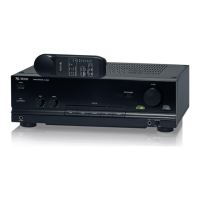
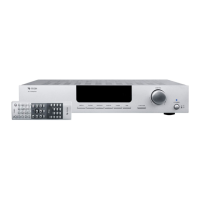
The A-1200
1. LINE IN (input 3.5 mm stereo jack; e.g. for your MP3 player)
2. Earphone jack (6.3 mm jack)
3. Display
4. LINE IN: Selects the LINE IN input as source
5. PHONO: Selects the Phono input as source
6. TAPE/AUX: Selects the TAPE/AUX input as source
7. DVD/CD: Selects the DVD/CD input as source
8. TUNER: Selects the Tuner input as source
Rear panel


 To Next Page