14
15
Chapter 3 The device Chapter 3 The device
22. Source selection
TAPE/AUX, DAB, PHONO, TUNER, LINE IN (select to play sources connected to the front
input), DVD/CD
23. TREBLE +/–
Regulates treble settings
24. BASS +/–
Regulates bass settings
25. VOL +/–
Regulates the volume
This remote control requires two „AAA” batteries for operation.
Model 2
This remote control is suitable for use with the
following X4-TECH Hi-Fi components/systems:
the IR-1200, the A-1200, the CD-1200M and the
Hi-Fi Sound System 1200IR.
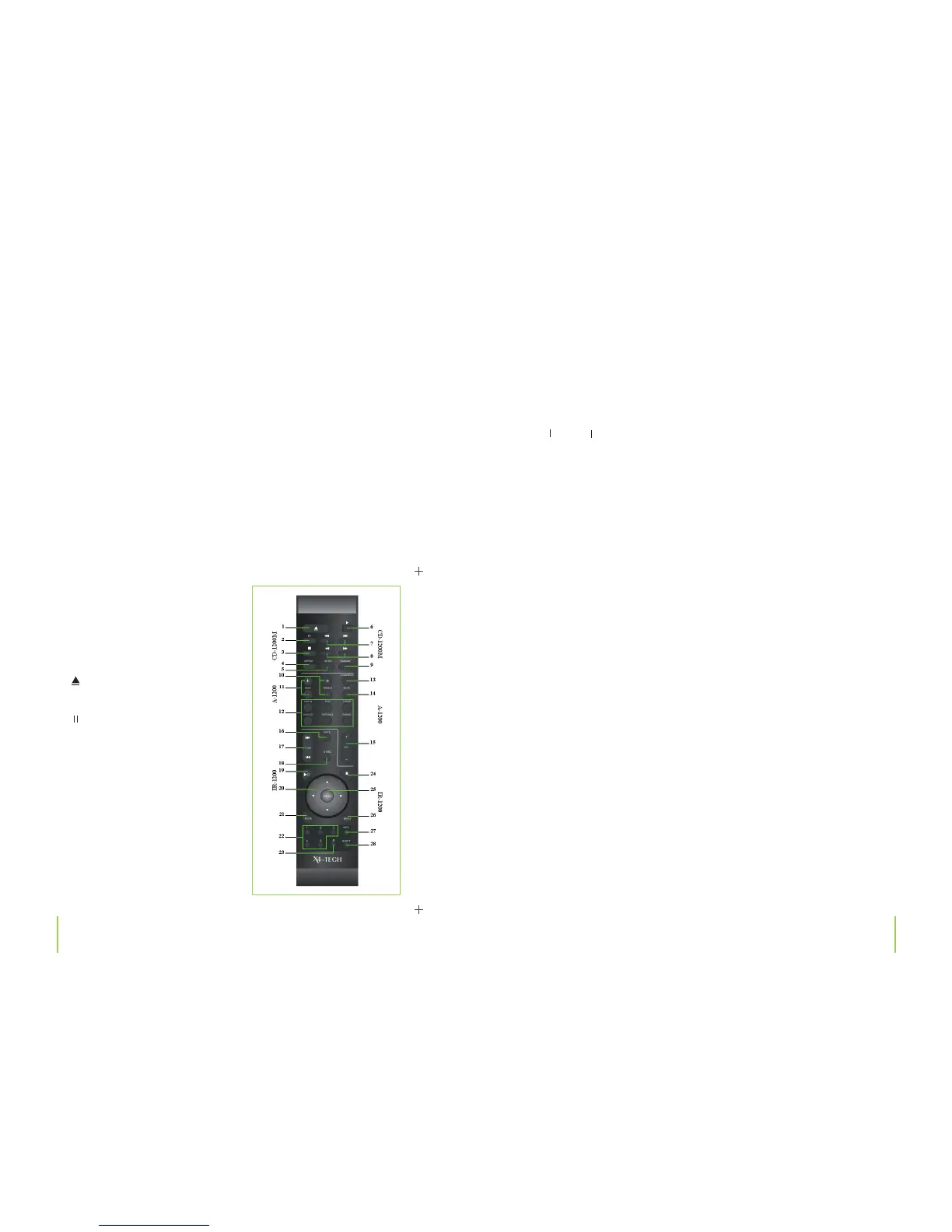
CD Player CD-1200M
1.
OPEN/CLOSE
Opens/Closes the CD compartment
2.
Pause
Pauses playing a CD
3. Stop
Stops playing a CD
4. REPEAT
Switches through available repeat
function modes
5. INTRO
Plays the rst few seconds of each song
on a CD
6. PLAY
Starts playing a CD
7.
/
Previous/Next
Select to return to the previous/skip to the next song
8. / Fast reverse/Fast forward
Select to fast reverse/forward through a song
9. RANDOM
Plays songs in a random order
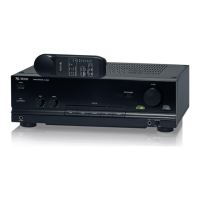
Ampli er A-1200
10. TREBLE +/–
Regulates treble settings
11. BASS +/–
Regulates bass settings
12. Source selection
You can use these buttons to select the signal input to be used on your ampli er:
Press the LINE IN button to select the front input on your ampli er as source or use the
DAB, TUNER, DAB, DVD/CD, TAPE/AUX and PHONO buttons to select the respective inputs
on the back of the device.
13. LOUDNESS
Turns the loudness e ect function on/o
14. MUTE
Deactivates/Reactivates the sound
15. VOL +/–
Regulates the volume
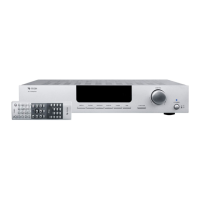
Internet Radio IR-1200
16. MUTE
Deactivates/Reactivates the sound
17. TUNE +/–
Automatically searches up/down for stations during tuner operation


 To Next Page