www.xa.com/en 19
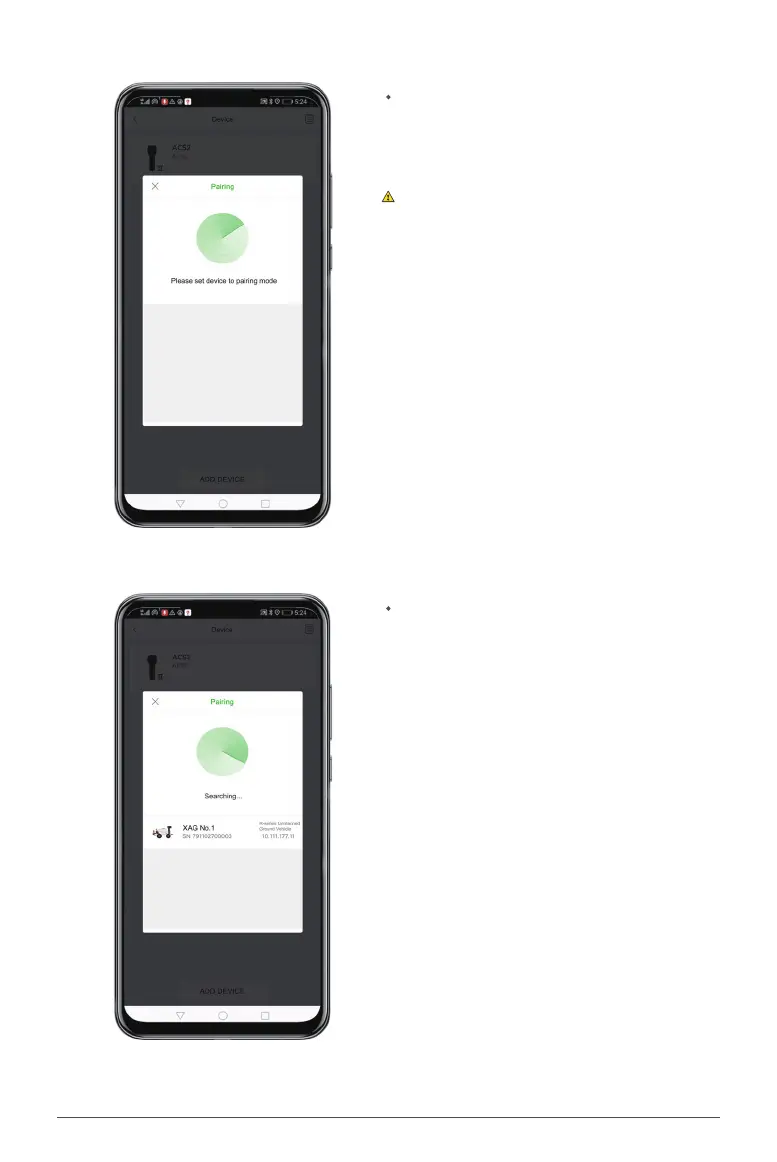
Power on the Smart Battery when the prompt
“Please set device to pairing mode” is displayed
on the screen.
The vehicle should be powered o for more than
10 seconds before being powered on again.
Wait until your vehicle is shown on the pairing
page, and click on it to pair. Then, the phone
prompts "Paired", and your vehicle will be dis-
played in the device list.


 To Next Page