1
Copyright | C2EU Software Service Manual, Version 1.0.0
1. ADB tool introduction
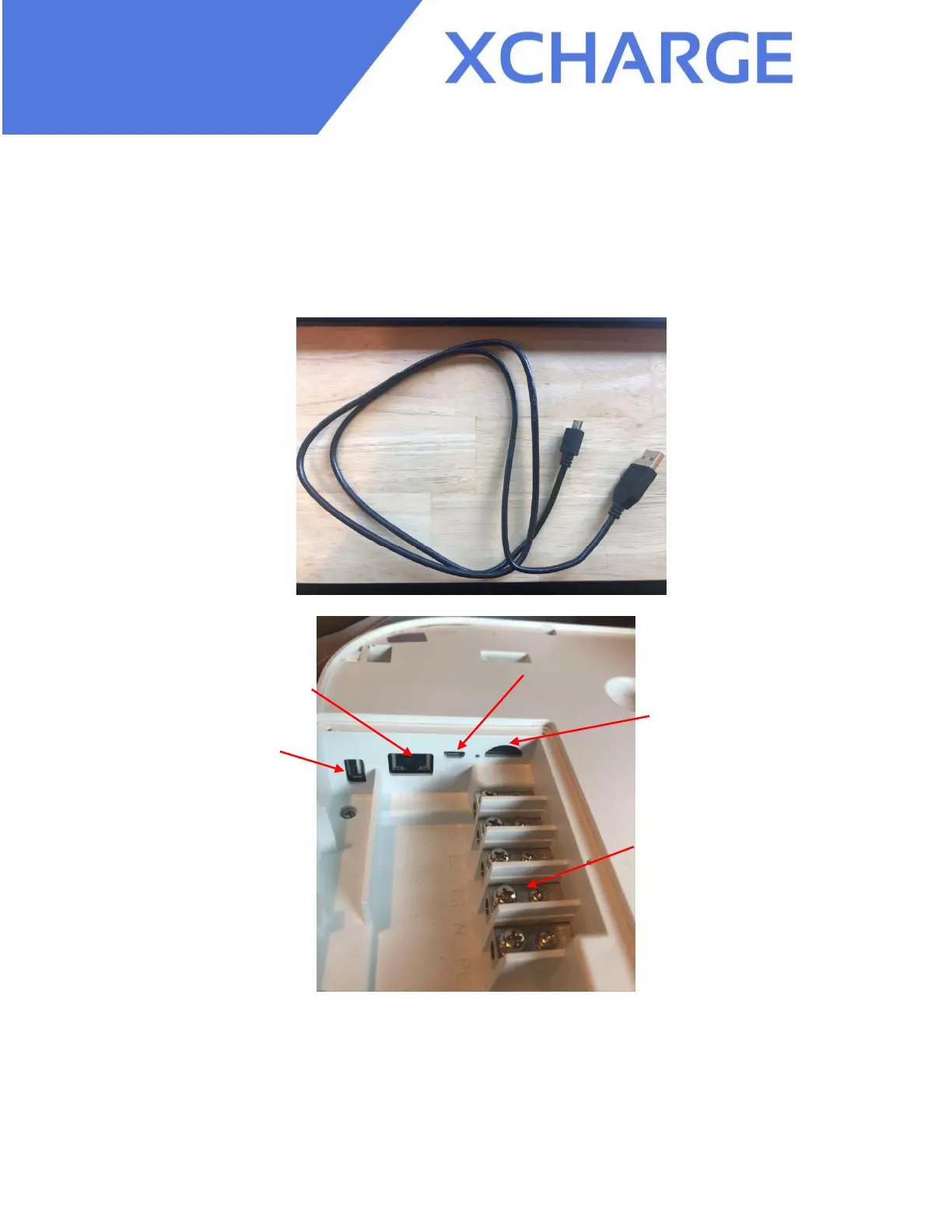
ADB tool is used to conduct the application software update. One Micro USB cable is needed to
connect laptop with C2EU.
Figure 1.1 Micro USB cable
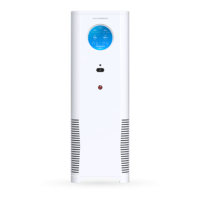
Figure 1.2 A8 board
After the connection with laptop, you can open the ADB tool in laptop. You can use this ADB
tool in Windows systems. Uncompressing and open the file, operate adb.exe and then open
1.bat.


 To Next Page