Portable LED HeadLight System (L2S15) www.xenosys.co.kr
① Battery remaining LED signal: Shows how much battery remains.
Example) Number from 0 to 99, FU (FULL)
② Power ON/OFF button: Press the button to turn ON/OFF of LED lens module.
③ Intensity change button: To change the intensity of light from1 to 4.
④ Power input jack: Connect directly to power supply without using the charger to use &
charge at the same time.
⑤ LED lens module connecting jack: To connect LED lens module
⑥ Battery pack release button: To exchange the used battery from the control unit.
⑦ Pairing switch: The switch to set up the pairing between the control unit and remote
controller
(Refer to page 11 for setting up the pairing)
⑧ Charging terminals
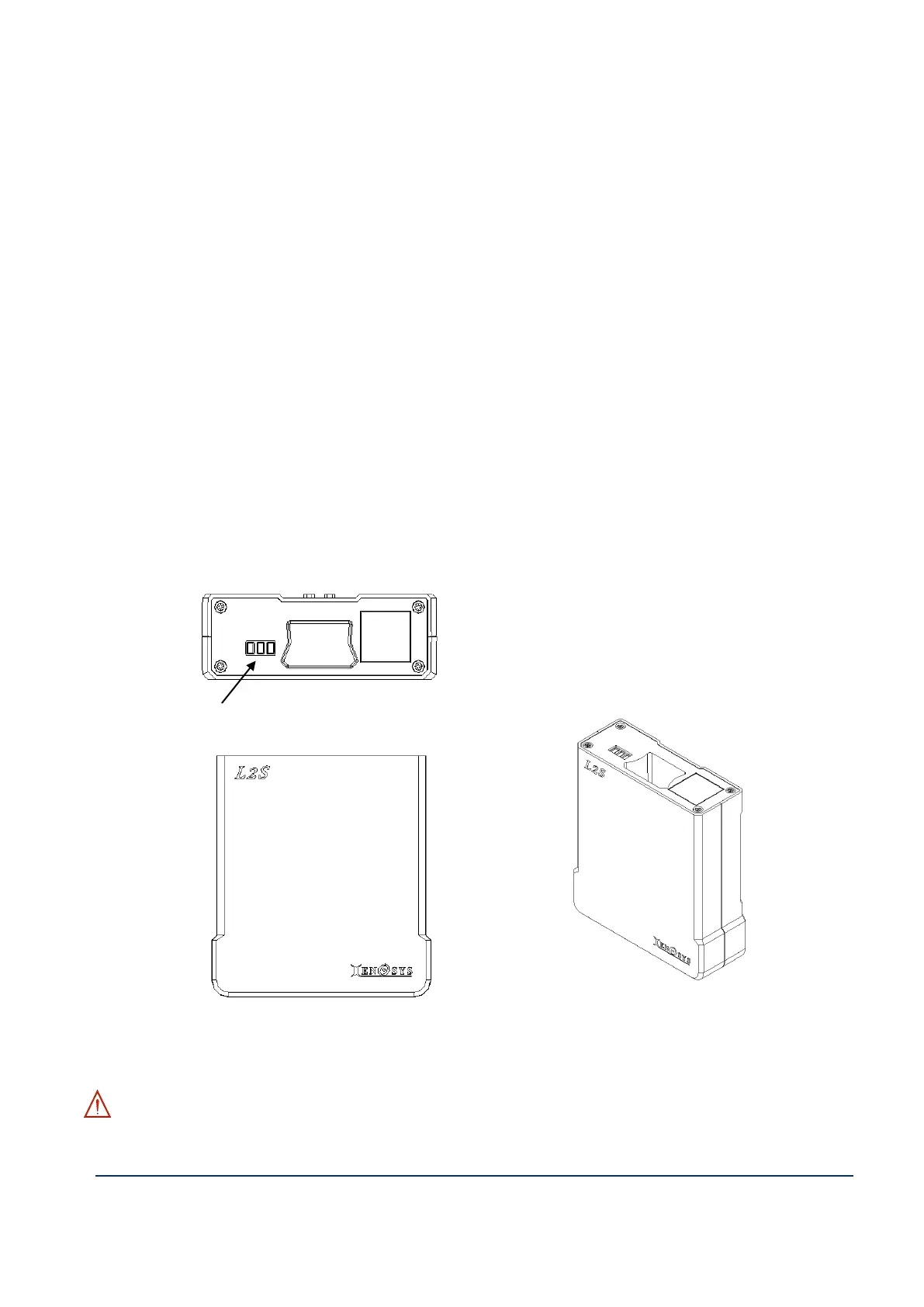
2. Battery Pack (BTP15)
① Battery: 3.7V / 5200mAh Li-ion
Warning – Read the warning for battery from page 5 to 6 before usage.



 To Next Page