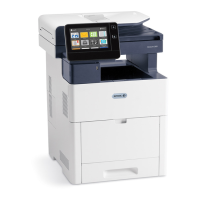
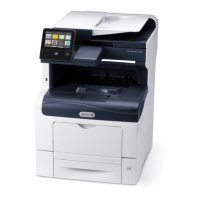
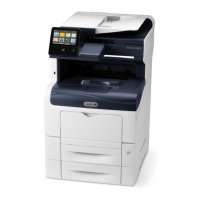
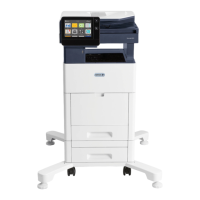
CClleeaarriinngg PPaappeerr JJaammss ffrroomm tthhee TTrraayy 11 AArreeaa
To resolve the error displayed on the control panel, you must clear all paper from the paper path.
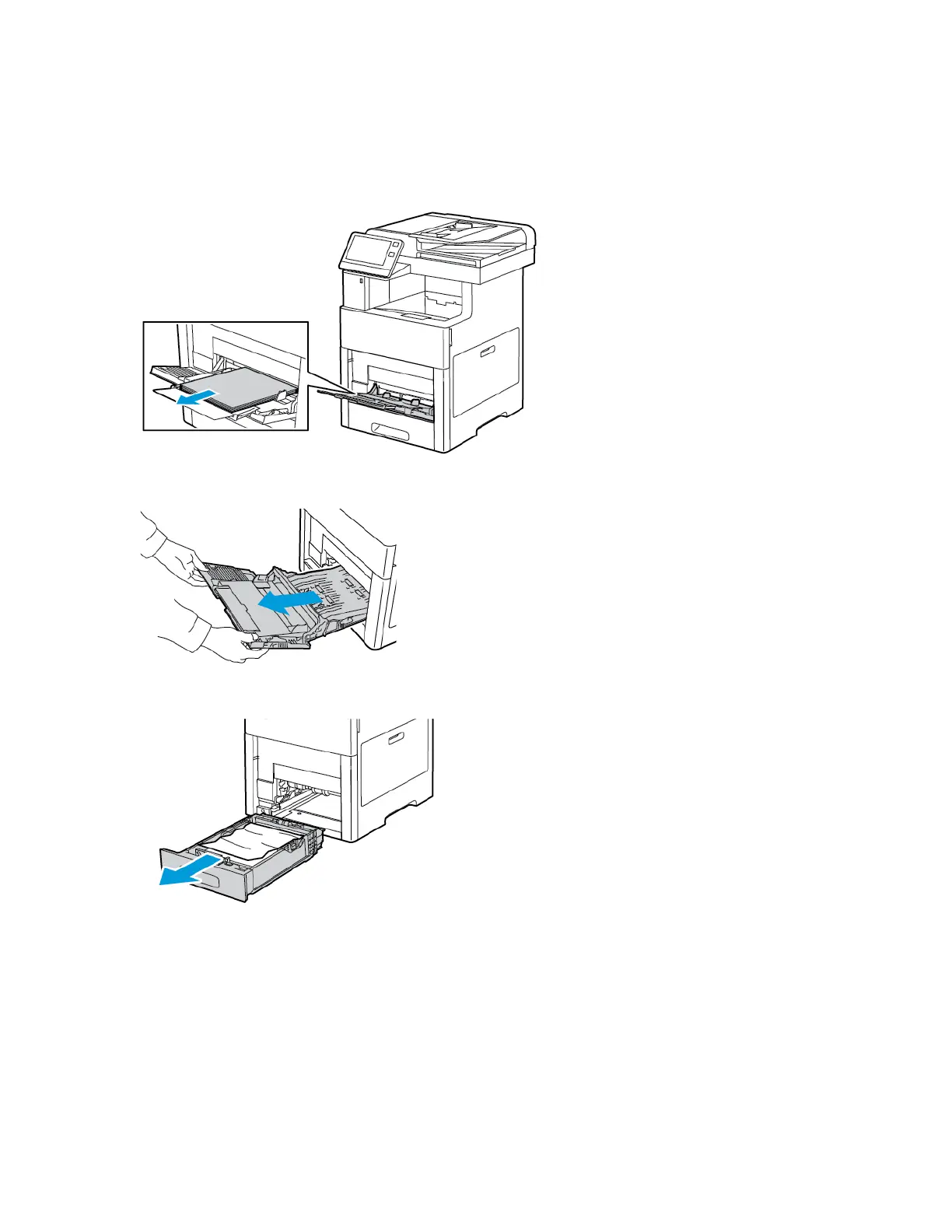
1. Remove any paper from the Bypass Tray.
2. Grasp both sides of the Bypass Tray, then pull it straight out of the printer.
3. Remove Tray 1 from the printer.
Xerox
®
VersaLink
®
C505 Color Multifunction Printer
User Guide
219
Troubleshooting


 To Next Page
 Loading...