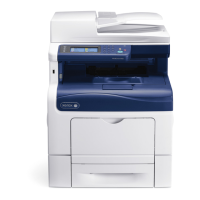
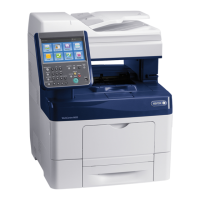
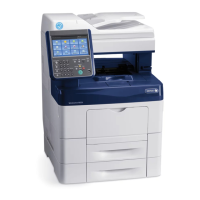
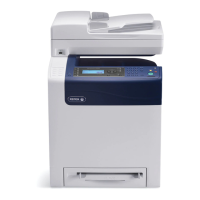
1. Go Xerox website.
2. Click Support and Drivers,
3. In theSearch or Choose text box, type your product name.
4. From th
e results box, click Documentation.
Policy Statement on the Use of Non-Manufacture
Cartridges and Containers
Xerox products and cartridges/containers offer an integrated design to provide end users with high
level features, function, quality, and reliability. Our products do not contain a disabling device intended
to prevent the use of non-Xerox cartridges. Some cartridges may contain a chip which enables
customer value-added features and functions. The integration of the components also improves
customer satisfaction by enabling more comprehensive problem solving.
Xerox understands compatible cartridges from third party manufacturers are available for many of the
Xerox devices. Use of non-Xerox supplies could potentially result in compromised print quality, reliability
and performance, and the loss of supplies intelligence features.
Printer Options
Product configurations and options are documented in the User Guide.
To locate your product-specific documentation:
Buy quality computers and hardware in our online store.


 To Previous Page
 Loading...