Set the focus
1. Open Camera.
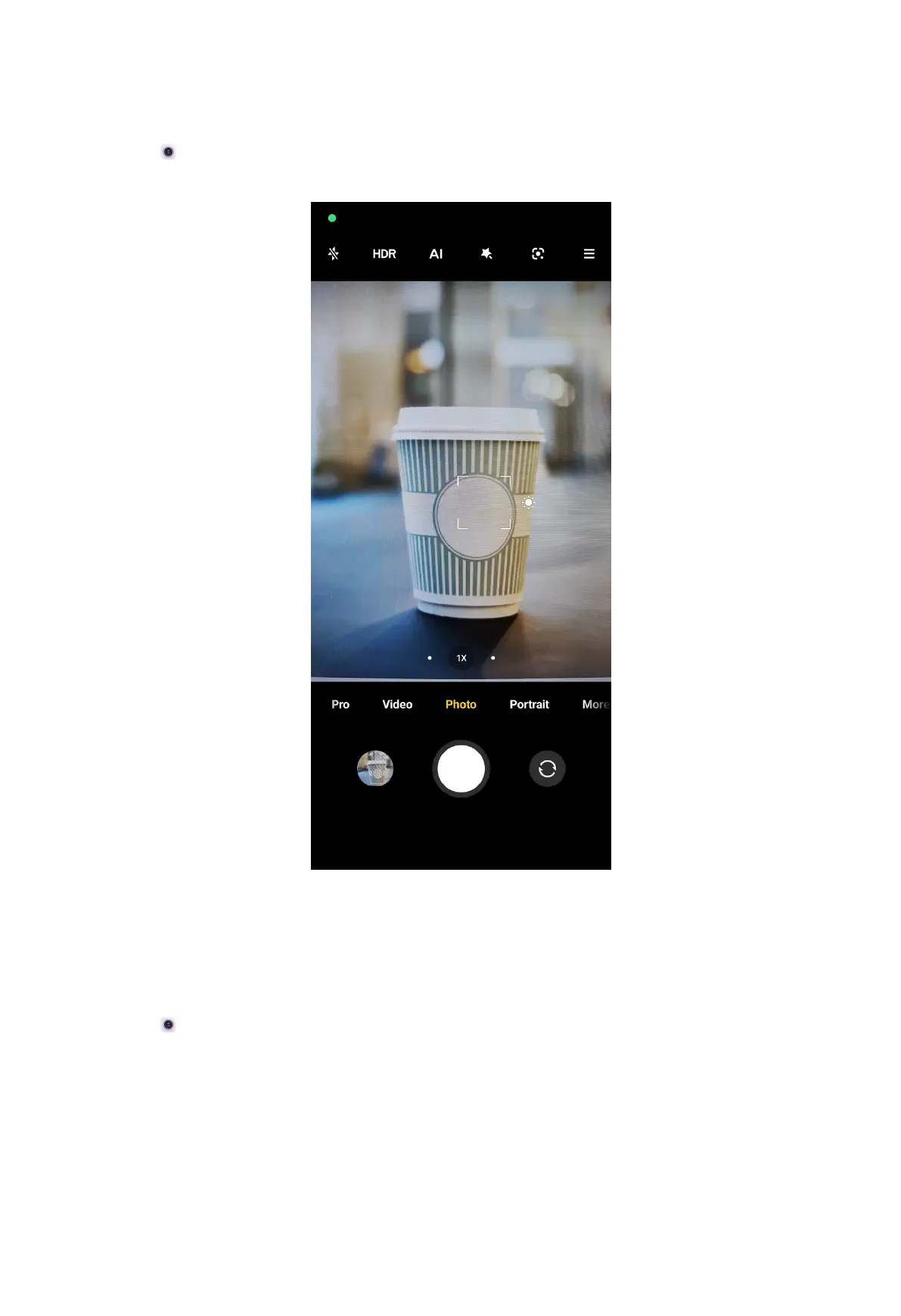
2. Tap the screen to show the focus ring and exposure setting.
3. Tap the area that you want to focus on.
Adjust the exposure
When you take a photo in a low-light or an overexposed environment, adjust the
exposure to adjust the brightness of your photo.
1. Open
Camera.
2. Tap the screen to show the focus ring and exposure setting.
51



 To Next Page