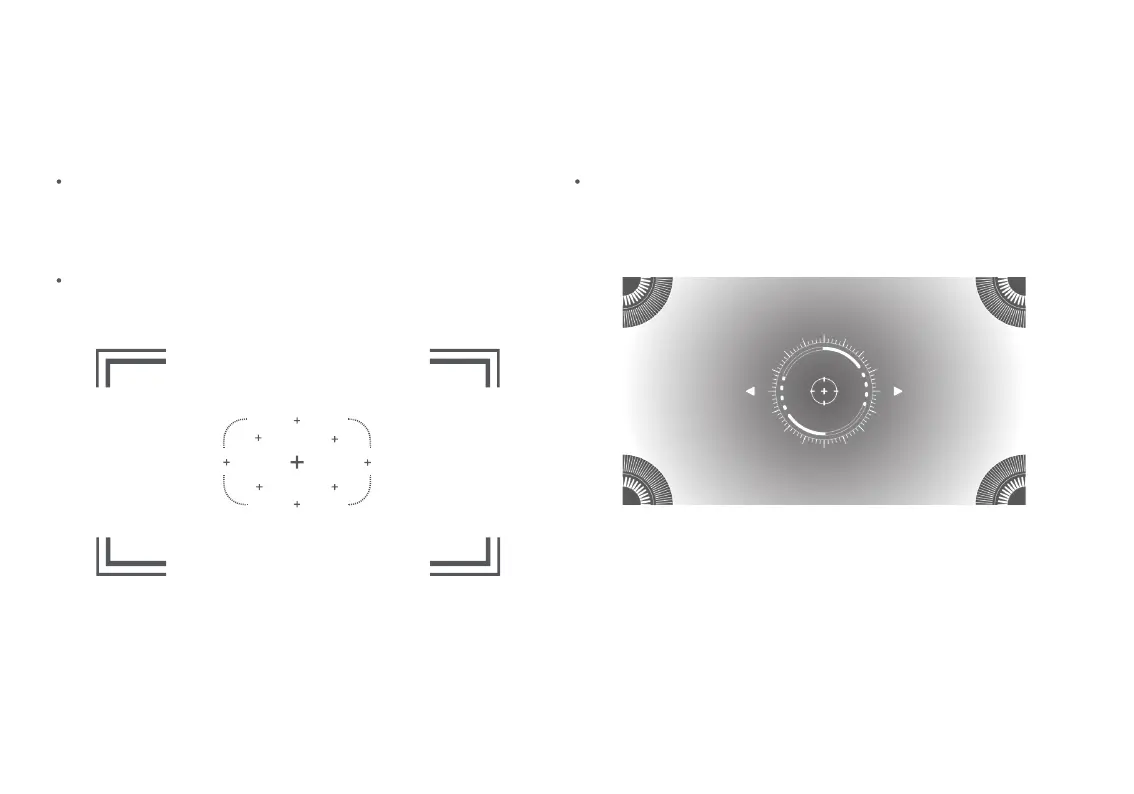
The auto focus function is enabled by default. When this
function is triggered by moving the projector, the image focus
will be automatically adjusted. Alternatively, you can select
Settings > Projector > Focus > Execute Focus, and the image
focus will also be automatically adjusted.
You can enable or disable the auto focus function by
selecting Settings > Projector > Focus > Auto Focus.
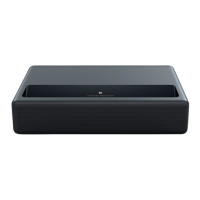
You can select Settings > Projector > Focus > Manual Focus, and
use the left and right buttons on the remote control to manually
adjust the focus.
Auto focus
Adjusting image focus
Manual focus
Note: After auto focus is completed, you can also press the confirm button to enter manual focus, and use the navigation button on the
remote control to move left and right for further fine-tuning.
Auto focusing……
Press the Left and Right buttons to
focus manually.
06



 To Next Page