Use
Connect the power supply
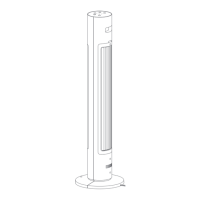
Insert the power plug into the qualified power socket, and after hearing the "beep" tone, the tower
fan is successfully connected to the power supply.
Switch on and off
Switch on
Press key and the tower fan starts to work. For the first time, the default is direct blowing
mode, with 1 windshield.
Switch off
Press the key in the startup state to stop the tower fan from working.
Switching air volume
Press the key to switch the air volume gear, and the corresponding air volume indicator light
will be on for a long time (as shown in the following table). The next time you start up, the
default is the air volume gear used when you last shut down.



 To Next Page