5. Using the device
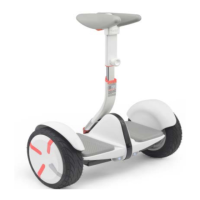
For those who did not ride on the Mini earlier, there are certain risks, so you denitely need to be
trained, after which you will be able to ride a Segway.
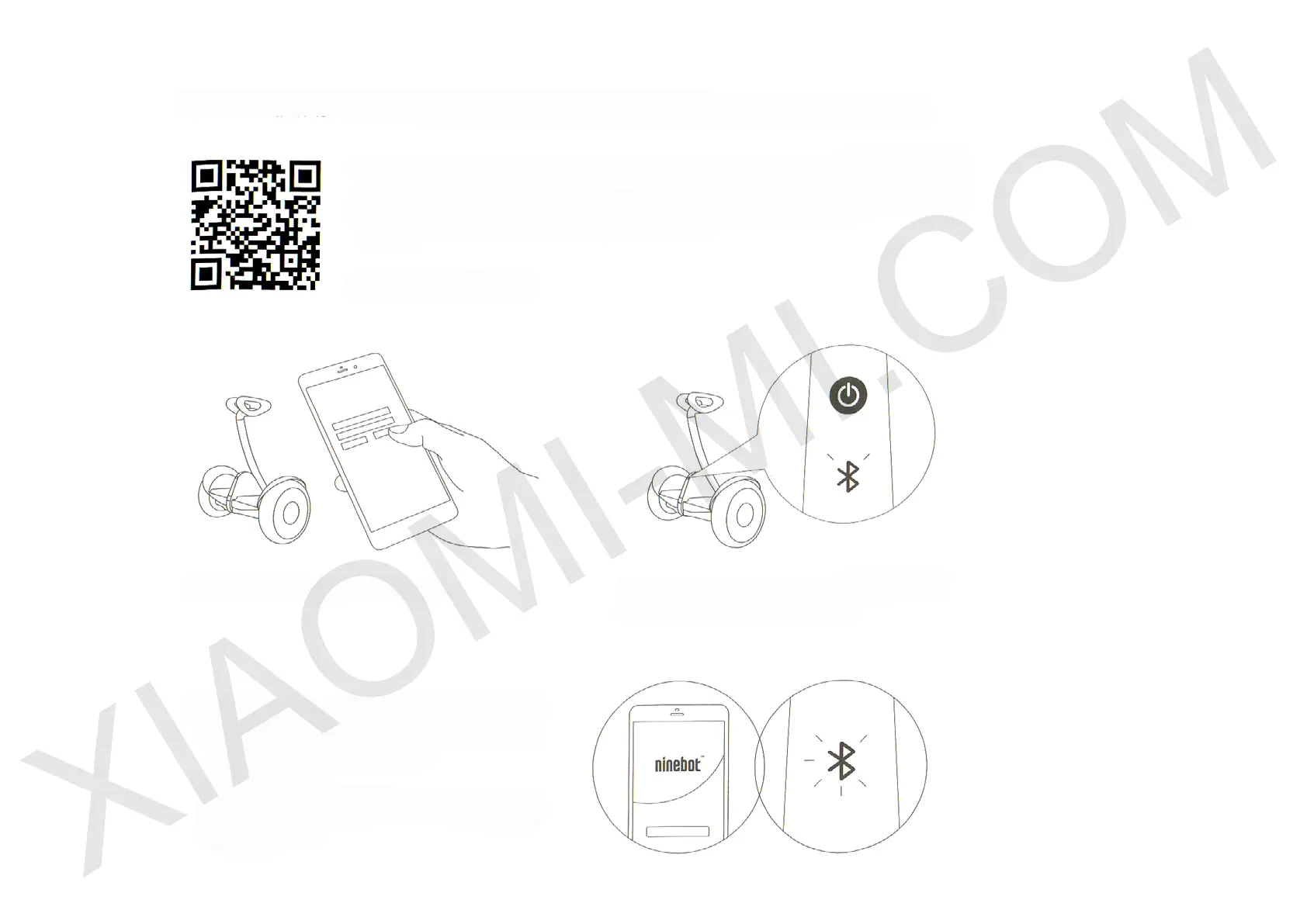
Download the user application Ninbot App on your smartphone (Android system and iOS), check
the recommendations on the safe riding of Segway and after some training (if you are a beginner),
you can start to use the vehicle. To quickly download the application, visit the App Store and get
Ninbot App or scan QR-code.
1 Download the app and register Ninbot 2 Turn on the Segway, and it will ash Bluetooth indicator,
indicating the expectation of connecting other devices
3 Click on «search for new devices» and connect to
the Mini. After a successful pairing, you will hear an
audible alarm of segway and its Bluetooth indicator
is now permanently on.
After successfully
connecting devices,
carefully follow instructions
of the App




 To Next Page