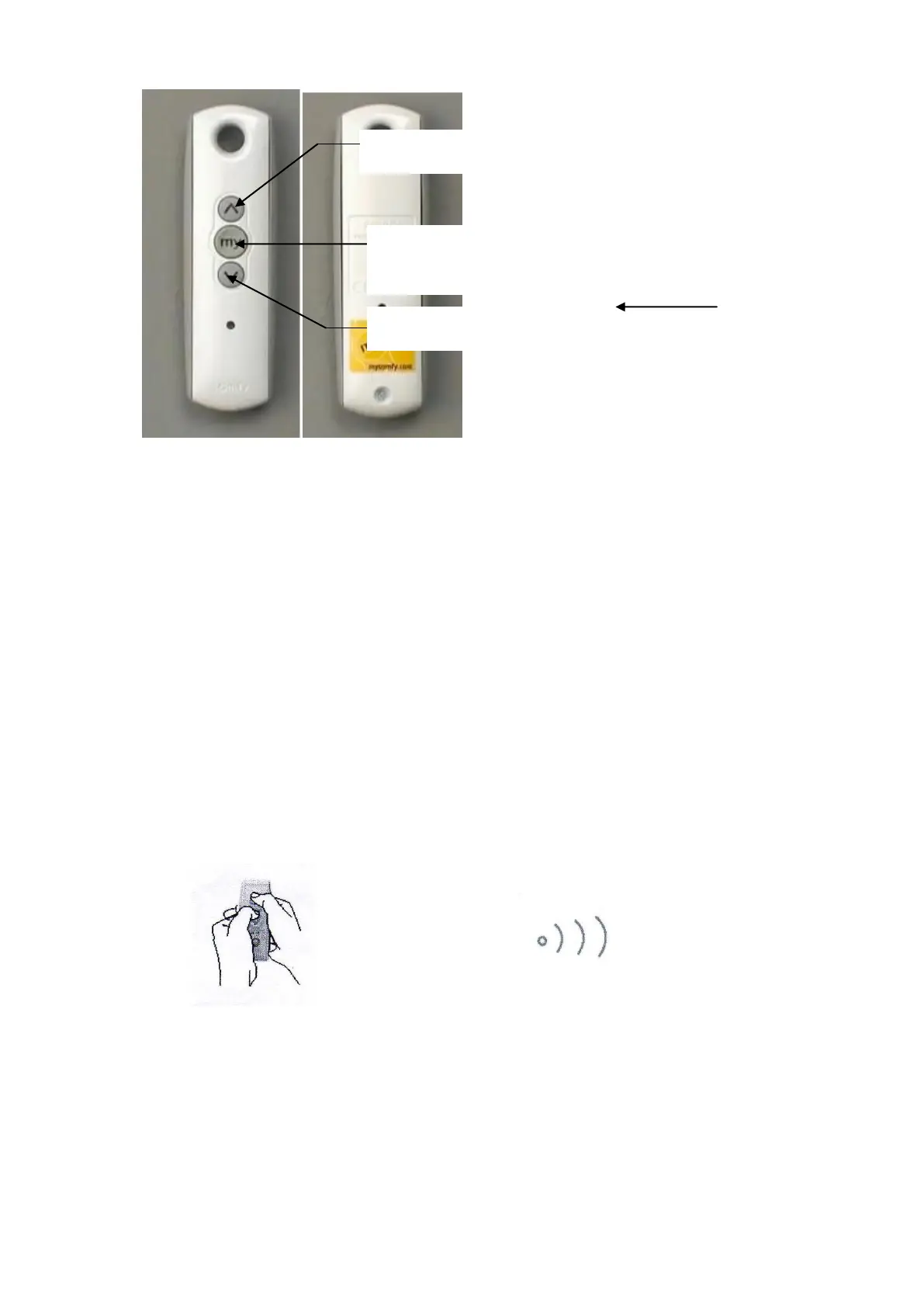
10
The hand held transmitter (remote control) is paired with the lift in factory; the
transmitter will not communicate with other lift by default.
The lift is preset with Upper (Stored Position) and Lower (Service Position) limits.
7.1. Setting for Lower Position (Service Level) (Down Limit)
a) Power up the lift after installation, press DOWN button, the lift will travel
and stop at the position preset by the factory.
b) To delete the limit setting of this position, press the UP and DOWN button
simultaneously until the lift begins to move briefly (up and down).
2 to 3 seconds
c) Adjust the lift to the require position while the UP or DOWN key are
pressed (holding period).
‘MY’ button
(SHOW button)
Back of Hand Held transmitter



 To Next Page