78
Configuring Your onyX
Radio ID
Your onyX has an alphanumeric ID which uniquely identifies the radio. This ID is
used during the activation process.
To display the Radio ID:
1 Press menu.
2 Radio ID will be highlighted. If it is
not highlighted, press
to scroll to
and highlight Radio ID. Press the
Select button. The Radio ID will be
displayed.
3 Press and hold menu to return to the
main display screen.
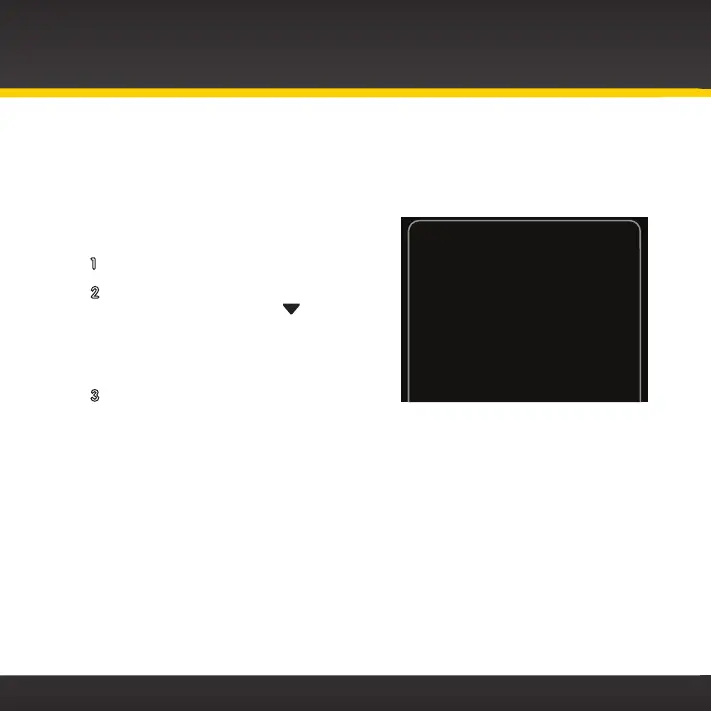
Radio ID
Your Radio ID is:
A234B456


 To Next Page
 Loading...