85
Configuring Your onyX
To quickly select an FM channel from the preset list:
1 Press FM to display the current
FM preset.
2 To display and select the next
FM preset, press FM. The radio
will tune to the displayed FM
channel. If the preset is the one
you want, press menu or wait
for the screen to timeout.
3 Repeatedly pressing FM will
cycle through the FM presets.
4 Set your vehicle’s FM radio to
same FM channel.
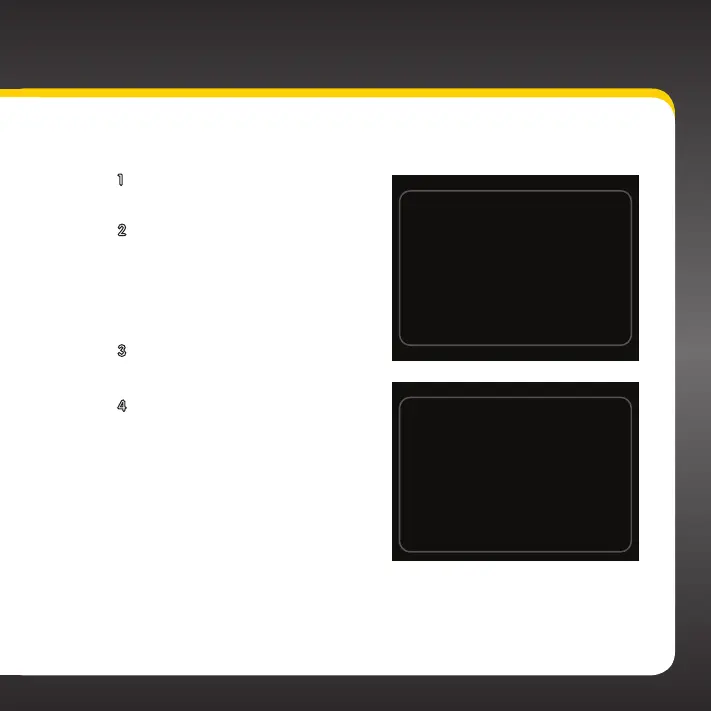
Set your vehicle radio to the
above channel to enable audio.
99.3 FM
103.7 FM
Set your vehicle radio to the
above channel to enable audio.


 To Next Page
 Loading...