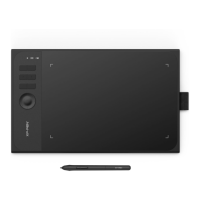
In this tab, you may edit the functions of the graphics tablet's shortcut keys. Use the "Definition
"option to program custom keystrokes.
Note:
You can set each shortcut ke
y for different software.
a. Click the "+" button
b. You can choose default or use
12
In this tab, you may edit the functions of the graphics tablet's shortcut keys. Use the "Definition
"option to program custom keystrokes.
Image 3-11: Function Key
y for different software.
tab.
Image 3-12: Select Program
browse to select your choice of software.
In this tab, you may edit the functions of the graphics tablet's shortcut keys. Use the "Definition
rowse to select your choice of software.













 To Next Page