13
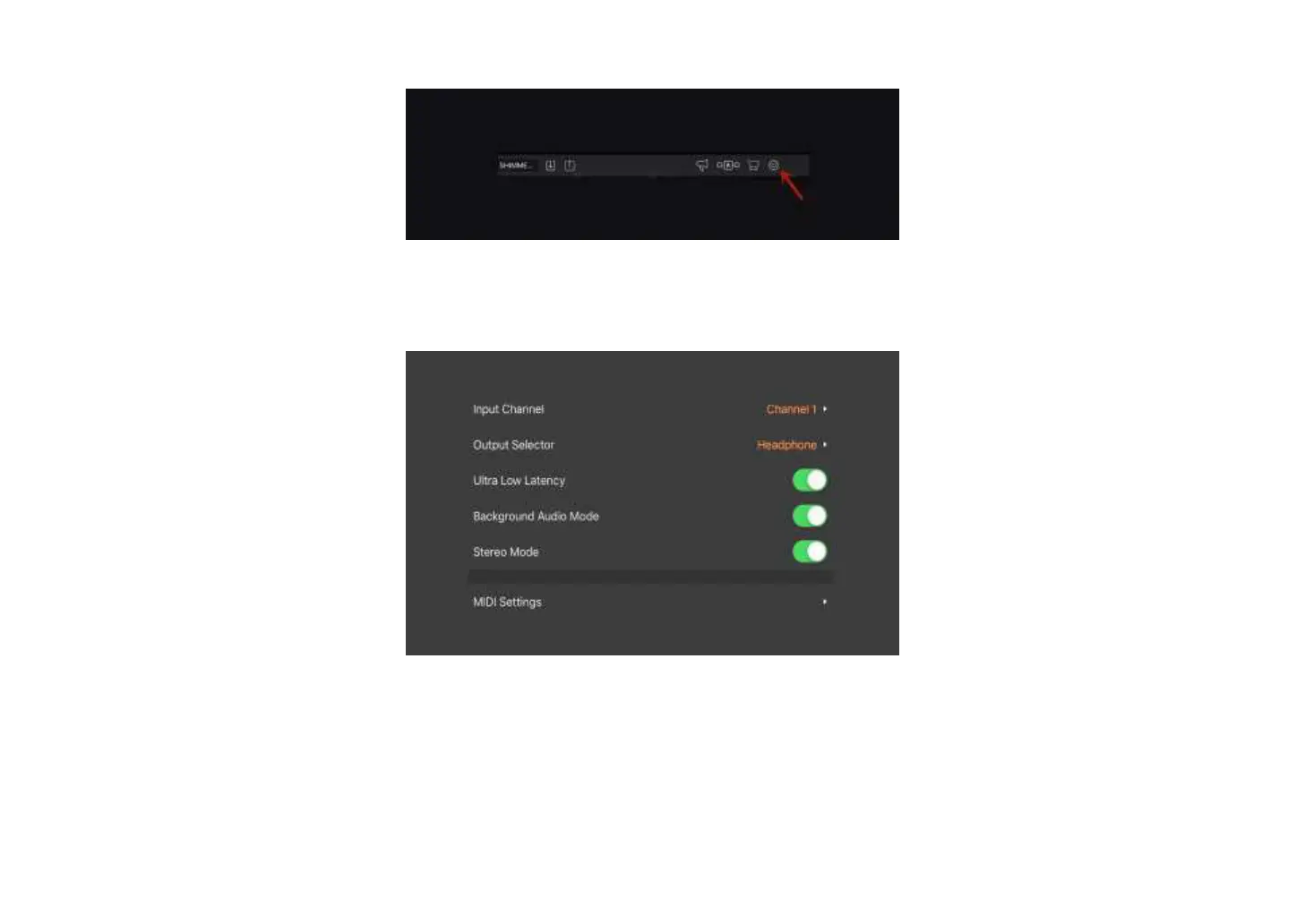
① Open BIAS FX, and enter the settings.
② Select the input channel. If Pro's INL input is connected, select channel 1; if Pro's INR input is connected, select channel 2. Then enable the ultra low latency
and background audio mode.
③ Enter MIDI settings, and enable MIDI control.



 To Next Page