14
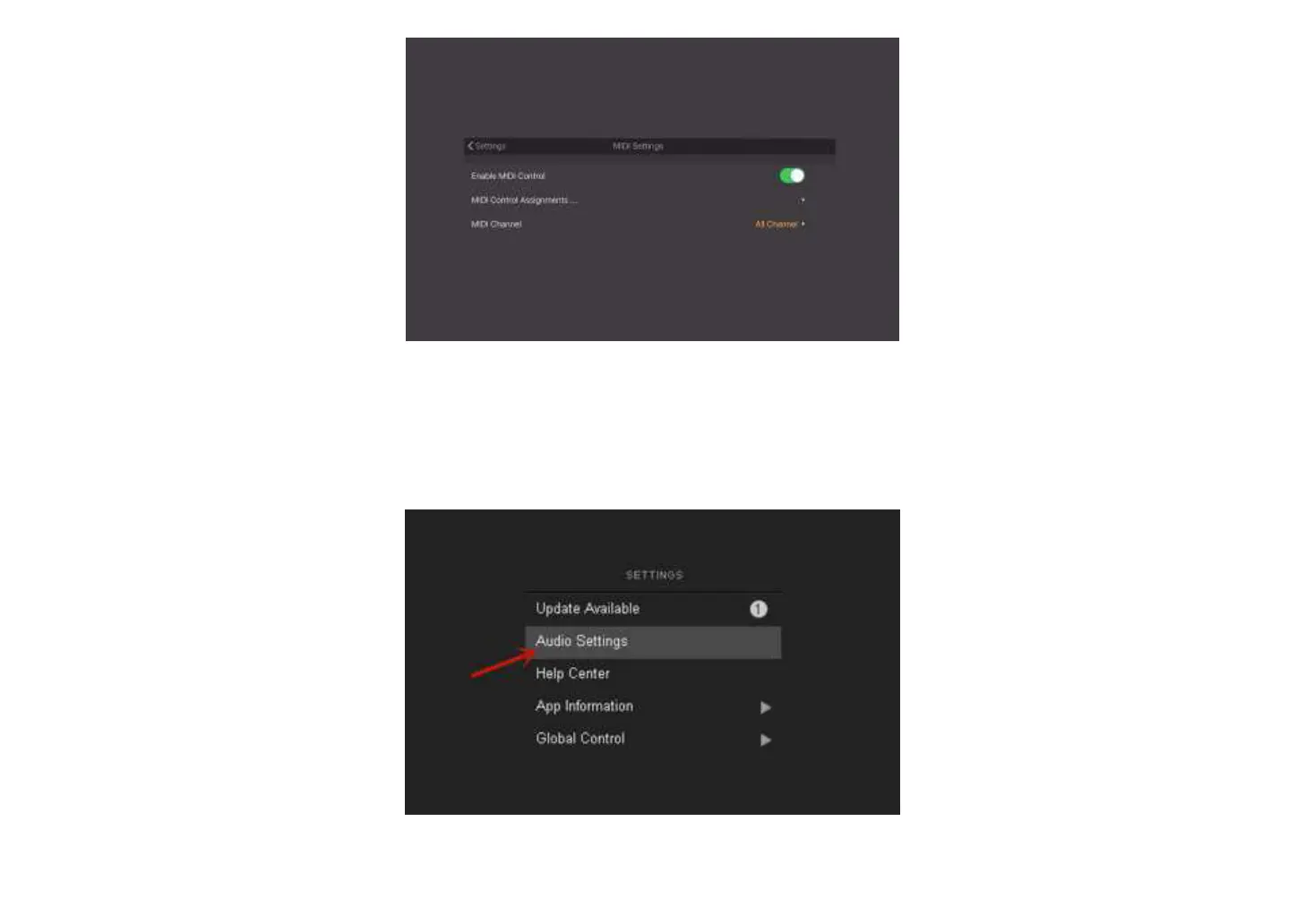
④ The basic settings are complete. Read the MIDI chapters below for more MIDI setting details.
Settings of BIAS FX on PC:
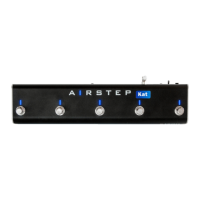
① Open BIAS FX, and enter the settings.
② Select active input channels. If Pro's INL input is connected, select XTONE1; if Pro's INR input is connected, select XTONE2. Then adjust the Audio Buffer


 To Next Page