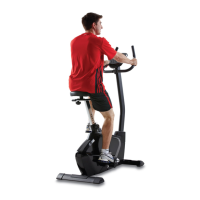
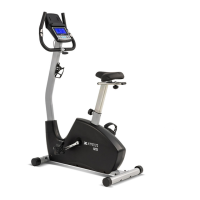
UB2.5 Upright Bike
11
Setting Parameters for Watt Control Programs
Select Watt Control Program using UP / DOWN KEY then press ENTER KEY. The rst
parameter “Time” will ash indicating the value can be adjusted using UP / DOWN KEY.
Press ENTER KEY to save value & move to next parameter to be adjusted. **(If user sets
up the target time to workout, then the next parameter of Distance can not be adjusted)
Continue through all desired parameters, pressing START / STOP to start workout.
Note: When any one of the workout parameters counts down to zero the console emits a
beep sound and the workout stops automatically. Press START KEY to continue the workout
to reach the unnished workout goals set.The computer will adjust the resistance load
automatically depending on the speed to maintain a constant watt value. User can use
UP / DOWN key to adjust the watt value during workout.
Watt Control Program


 To Next Page
 Loading...