19
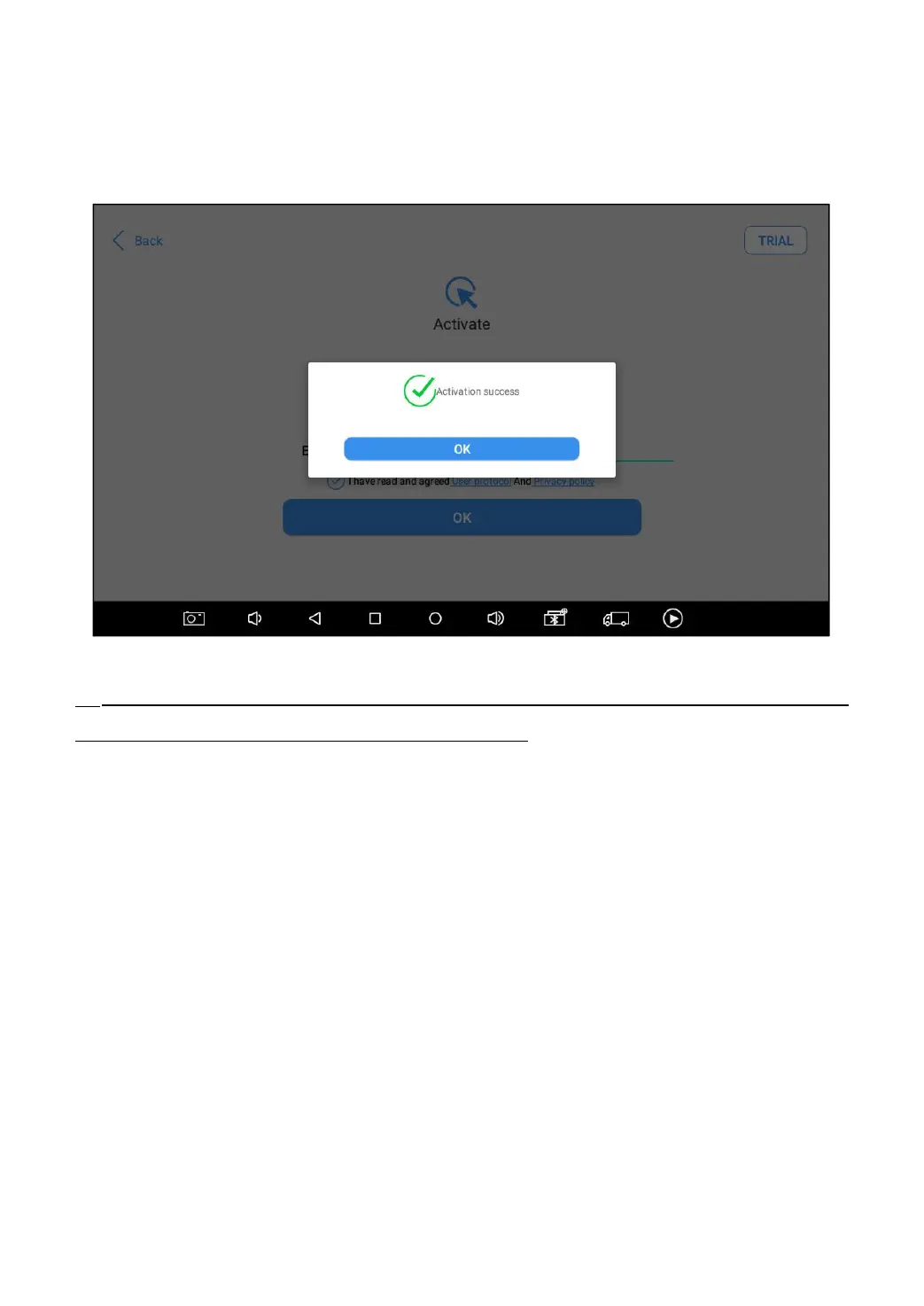
A pop-up window showing Activation Success indicates that you
have completed the first boot setup, click OK to enter the diagnostic
system and start using the device.
Fig 2-11
If you meet problems like “Registration failed”, please check your network or contact
Xtool aftersales services: supporting@xtooltech.com
3 UPDATE
After activating the device, please update the software in "Update"
first. The device will pull all currently supported software packages
from our servers, and you can download them as needed. To access
the update application, open the diagnosis application and click
UPGRADE, and it will show as below:



 To Next Page