23
VEHICLE SELECTION
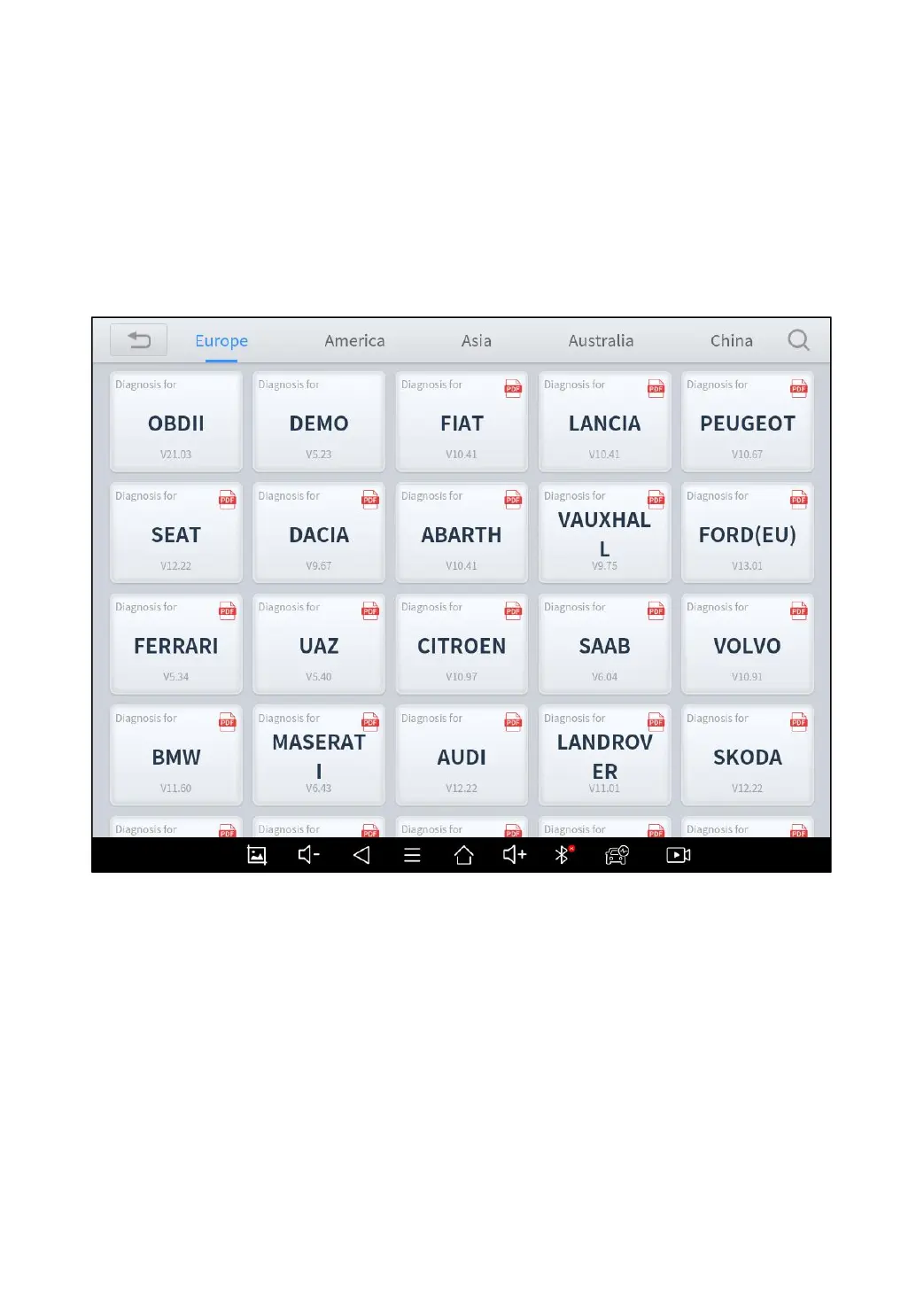
Click the “Diagnosis” icon on the main screen and get into the
diagnosis menu. Like the immobilizer menu, the brands will be shown
on the screen. Select the region of your vehicle, click the correct brand,
and start the diagnosis process.
Fig 4-2
For some of the vehicle brands (like Volkswagen), when you click on
the software, there are several ways to select the model or system
you want to run a diagnosis, including Automatic Detection, Manual
Selection, and System Selection.



 To Next Page