22
2. Connect the vehicle, the VCI box and the tablet following the
diagram below. Usually, the OBD port is located under the
dashboard, inside driver’s footwell.
3. Wait for the VCI box to communicate with the tablet, then click
into the menus to perform the functions.
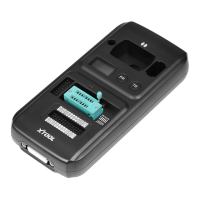
If necessary, please connect the VCI box with the tablet using the USB 3.0 to USB-B
cable, especially when working on some processes that needs to transfer lots of data, like
resetting the immobilizer ECU.
Some older vehicles are not using the OBD2-16 port, please make sure you’re using
the correct connector. There are some extra OBD
Ⅰ
connectors that’s attached into D9
Smart Diagnosis System, please contact your dealer if you need other connectors.



 To Next Page