Xtreme Power Conversion Corporaon
M90U-80 & 140 User’s Manual
Page 8
Uninterrupble Power Supply
2.4 Moving the Cabinet
The UPS is secured on the pallet with 4 shipping brackets. When removing it, pay aenon to the movement of
the casters to avoid accidents.
The cabinet can be pushed forward or backward only. Pushing it sideways is not allowed. When pushing the cabi-
net, be careful not to p it as the center of gravity is high.
1. If you need to move the UPS over a long distance, please use appropriate equipment like a forkli. Do not use
the UPS casters to move over a long distance.
2. Aer the UPS has been removed from the pallet to ground, we suggest that at least three people move the
UPS to the installaon area. One person holds a lateral side of the UPS, another holds the other lateral side of
the UPS, and the other person pushes the UPS either from the front side or from the back side to the installa-
on area and avoid pping the UPS.
3. The casters are designed to move on level ground. Do not move the UPS on an uneven surface. This might
cause damage to the casters. Toppling the UPS could also damage the unit.
4. Ensure that the weight of UPS is within the designated bearing capacity of any handling equipment.
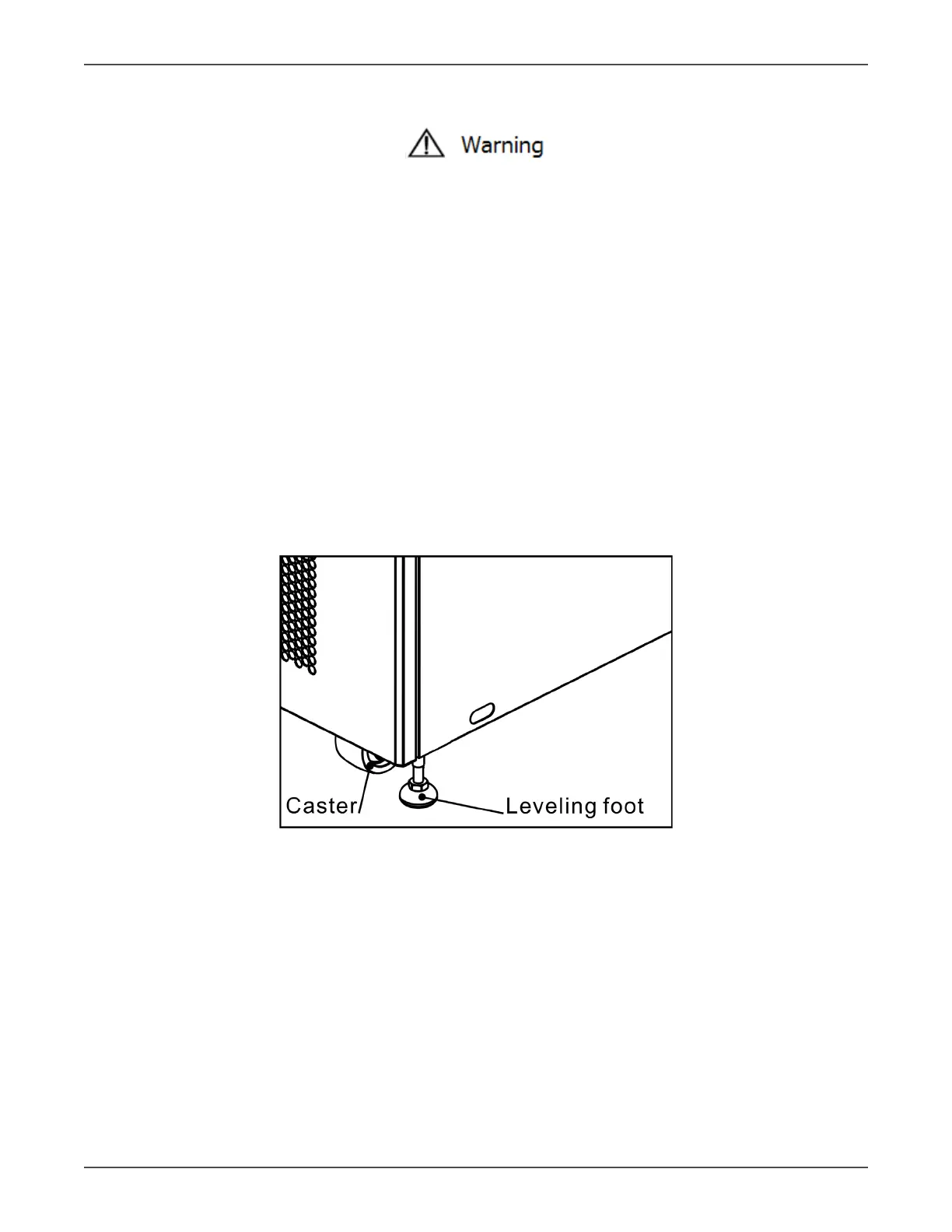
5. At the boom of the UPS, the four casters help you to move the UPS to a designated area. Before you move the
UPS, please turn the four leveling feet counterclockwise to raise them o the ground. This protects the leveling
feet from damage when moving the UPS. Refer to Figure 2-6.
Figure 2-6



 To Next Page