Execute the ADMS-13
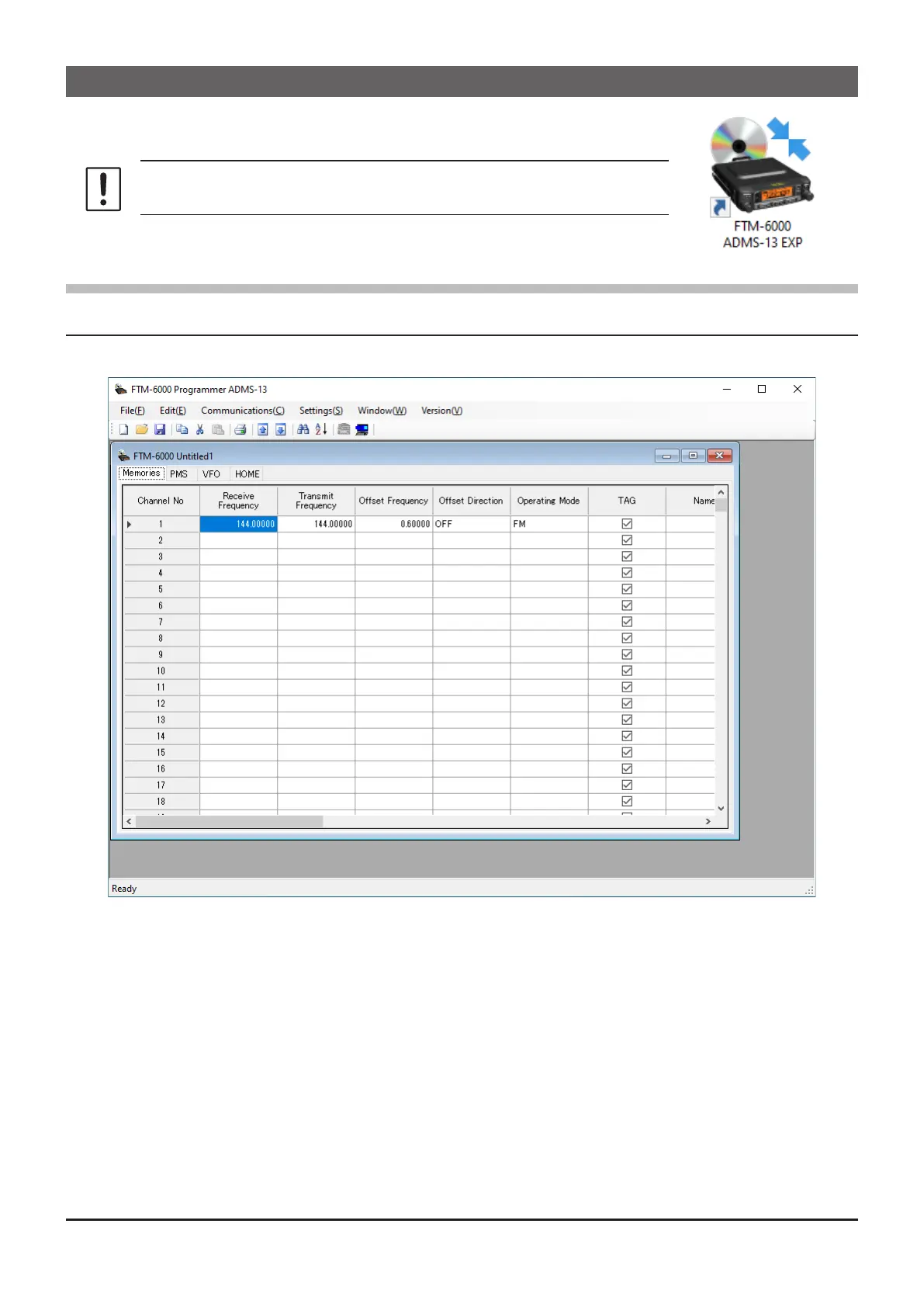
Double-click the “FTM-6000 ADMS-13 EXP” icon on the desktop of a computer.
Click “Exit” in the “File” menu to close the ADMS-13.
First, use the “Get Data from FTM-6000” command (Page 9) to
upload the setting data of the FTM-6000 to the ADMS-13 programmer.
Display examples
First Screen
This is the rst screen to be displayed when starting the ADMS-13 software.
8



 To Next Page