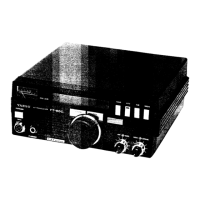
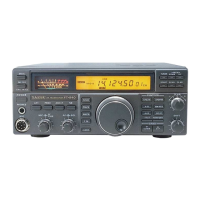
Power-Up Customization
&
Button Combination Settings
By pressing and holding certain buttons while switching on the
FT-890,
you can make many
settings to customize features to your particular requirements, and perform several troubleshoot-
ing functions. Some important settings can also be selected by holding the
FAST
button while
pressing certain other buttons. These are described in the tables below. Default settings are in
italics.
FAST
is displayed when active.
FAST
Button Combinations
page
12



 To Next Page
 Loading...