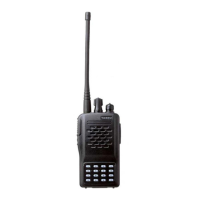
VX-170 OPERATING MANUAL 5
c
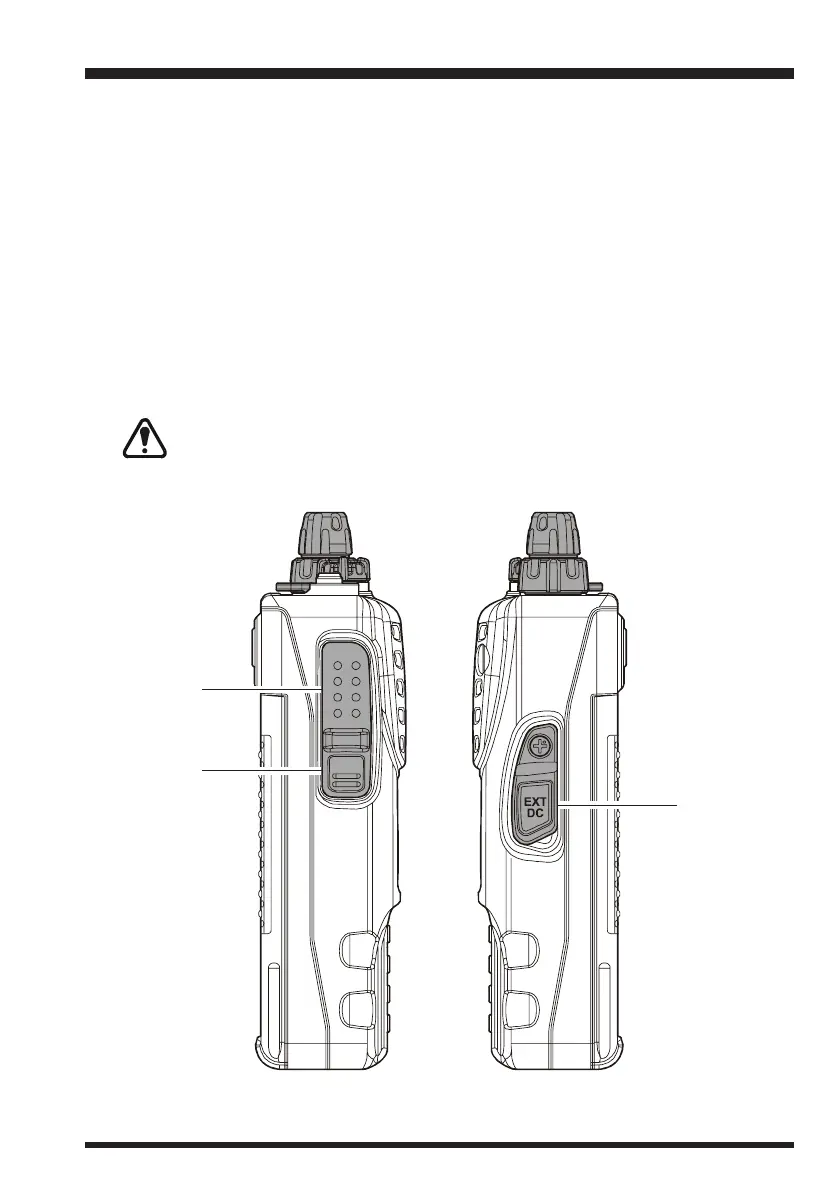
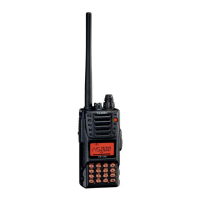
PTT (Push To Talk) Switch
Press this switch to transmit, and release it (to receive) after your transmission is com-
pleted.
d
MONI Switch
Pressing this switch disables the noise squelching action, allowing you to hear very
weak signals near the background noise level temporarily.
Press the
[
F
]
key on the keypad first, then press this switch to enable to adjustment of
the squelch threshold level.
e
EXT DC Jack
This coaxial DC jack allows connection to an external DC power source (6-16V DC).
The center pin of this jack is the Positive (+) connection.
Do not allow the VX-170 to become submerged in water while the rubber
cap over the EXT DC jack is removed.
CONTROLS & CONNECTORS
(
S
IDE PANEL
)
c
d
e


 To Next Page