32
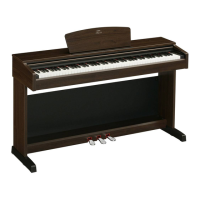
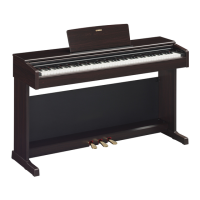
YDP-161/141 Owner’s Manual
ENGLISH
Troubleshooting
Options
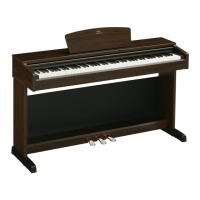
BC-100 Bench
A comfortable bench styled to match your Yamaha digital piano.
UX16
USB-MIDI interface
HPE-150
Headphones
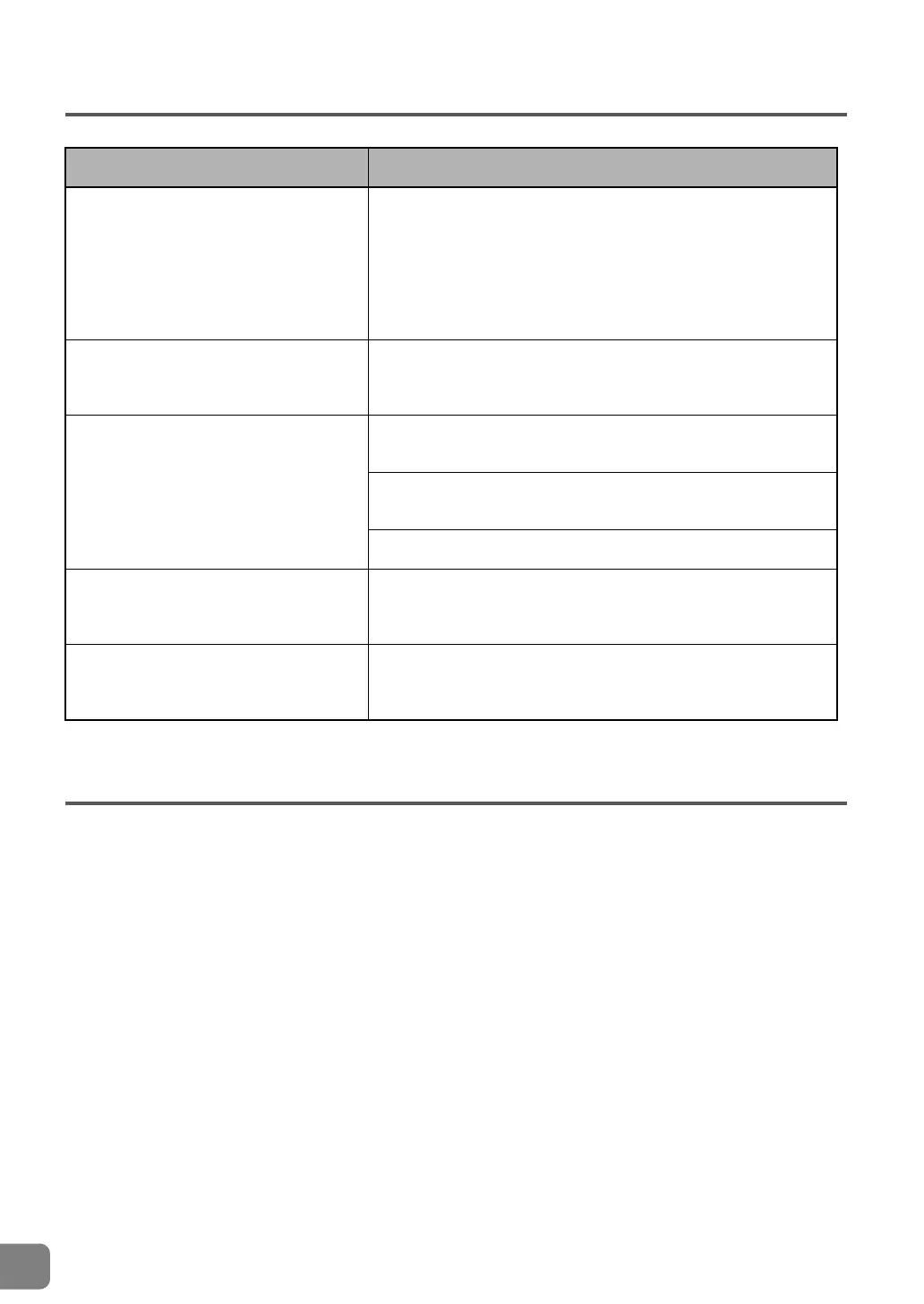
Problem Possible Cause and Solution
This instrument does not turn on.
This instrument has not been plugged in properly. (YDP-161) Securely
insert the female plug into the socket on this instrument, and the male
plug into a proper AC outlet (page 35).
(YDP-141) Securely insert the adaptor plug into the socket on this
instrument, and the adaptor plug into a proper AC outlet (page 35).
Noise from the speakers or headphones is
audible.
The noise may be due to interference caused by the use of a mobile
phone in close proximity to this instrument. Turn off the mobile phone,
or move it further away from this instrument.
The overall volume is low, or no sound is
heard.
The Master Volume is set too low. Set it to an appropriate level using
the [MASTER VOLUME] control.
Make sure a pair of headphones is not connected to the headphones
jack (page 12).
Make sure that Local Control (page 30) is ON.
The damper pedal has no effect.
The pedal cord may not be securely connected to the [PEDAL] jack.
Be sure to insert the pedal cord all the way until the metal part of the
cord plug disappears from view (page 35).
The damper pedal has little effect.
The damper pedal was pressed when the power was turned on. This
is not a malfunction; release the pedal and press it again to reset the
function.


 To Next Page