YDP-162/142 Owner’s Manual
Advanced Operations
25
ENGLISH
5 If desired, record the other Part by repeating Steps 1–4.
NOTE
The recorded Song data can
be saved to computer as a
Standard MIDI file (SMF). For
details, refer to the Computer-
related Operations manual
(page 7).
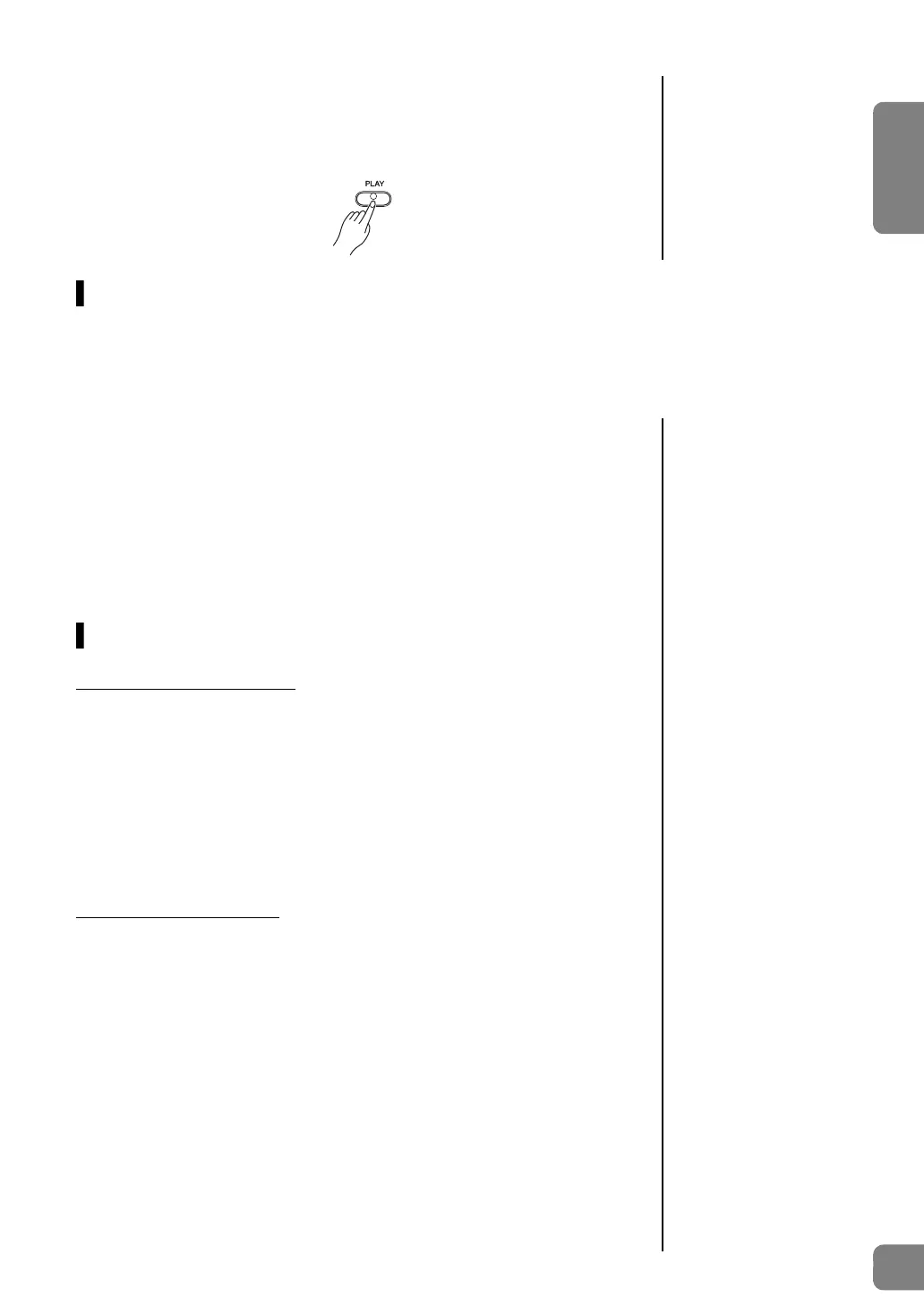
6 To hear the recorded Song, press [PLAY] to start playback.
Press [PLAY] again to stop playback.
Changing the Initial Settings of the Recorded Song
The settings of the following parameters can be changed after the Record operation is completed.
- For individual Parts: Voice, Dual Voices, Reverb Depth
- For the entire Song: Tempo, Reverb Type
1 Make the settings of the above parameters.
2 While holding down [REC], press the desired Part button to
engage Record Ready mode.
In this status, do not press [PLAY] again or any key. Otherwise, the originally
recorded performance data will be deleted.
3 Press [REC]+[PLAY] again to exit from Record Ready mode.
Deleting Recorded Data
To delete the entire Song:
1 While holding down [REC], press [DEMO/SONG].
The [+R] and [–L] lamps flash.
To exit from this status, press [–L].
2 Press [+R] to delete the data of the entire Song.
The [REC], [PLAY], [+R] and [–L] lamps flash.
After the operation is completed, all lamps turn off.
To delete a specific Part:
1 While holding down [REC], press [+R] or [–L] (depending on
the Part you want to delete) to engage Record Ready mode.
The [REC] and the selected Part ([+R] or [–L]) lamps flash.
2 Press [PLAY] to start recording without playing the keyboard.
The selected Part ([+R] or [–L]) lamp flashes.
3 Press [REC] or [PLAY] to stop recording.
All data recorded for the selected Part will be deleted, and the lamp turns off.


 To Next Page