EasyManua.ls Logo

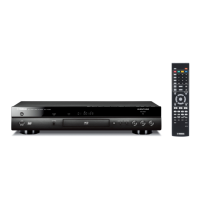
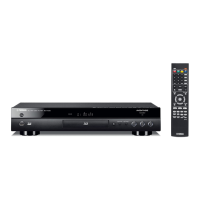
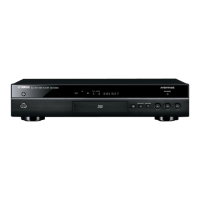
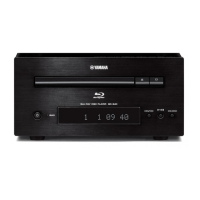
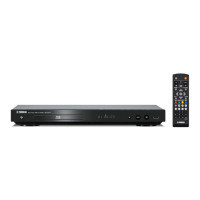
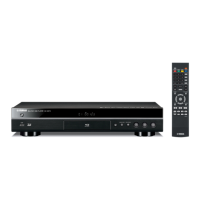
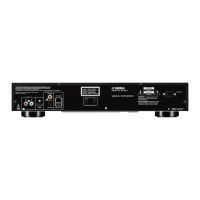
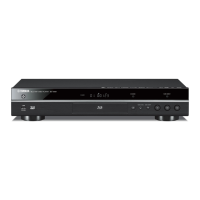
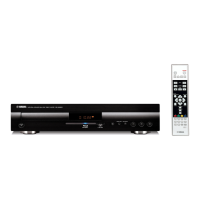
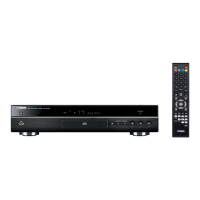
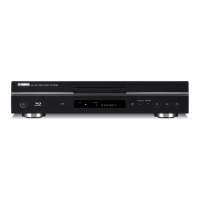
Yamaha BD-A1010 - User Manual

Yamaha BD-A1010
120 pages
Print Icon
To Next Page IconTo Next Page
Loading...
Printed in Malaysia WZ02550
© 2011 Yamaha Corporation
BD-A1010
FOR CANADIAN CUSTOMERS
To prevent electric shock, match wide blade of plug to wide slot
and fully insert.
This Class B digital apparatus complies with Canadian ICES-003.
POUR LES CLIENTS RÉSIDANT AU CANADA
Afin d’éviter les risques decharges électriques, veillez à inrer
à fond la large broche de la fiche dans la large fente de la prise de
courant.
Cet appareil numérique de Classe B est conforme à la norme
canadienne ICES-003.
CAUTION
Use of controls or adjustments or performance of
procedures other than those specified herein may result
in hazardous radiation exposure.
AVERTISSEMENT
L’utilisation de commandes et l’emploi de réglages ou
de méthodes autres que ceux décrits ci-dessous,
peuvent entraîner une exposition à un rayonnement
dangereux.
BLU-RAY DISC PLAYER
LECTEUR BLU-RAY DISC
BD-A1010
OWNER’S MANUAL
MODE D’EMPLOI
C
00_BD-A1010_C_cv.fm Page 1 Thursday, April 28, 2011 1:29 PM

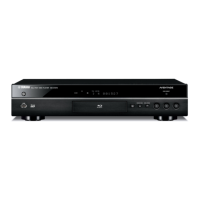
Table of Contents

Questions and Answers

Summary

Important Safety Instructions

General Safety Instructions

Covers general safety guidelines for operating the unit, including installation and usage.

Operating Precautions

Discs and Files

Controls and Functions

Front Panel Overview

Describes the buttons and indicators on the player's front panel.

Remote Control Overview

Introduction to Connections

HDMI Connection

Video Connections

Audio Connections

Network and USB Connection

Initial Wizard;Easy Setup

Home;Media Menu

Using Network Content

Using Network Services

Playing Videos from Netflix

Advanced Playback Operation

On Screen Menu

Explains how to access and use the on-screen menu for playback options.

Status Menu

BONUSVIEW and BD-Live Functions

Setup Menu

General Settings

Covers system, language, playback, security, and network configurations.

Display Settings

Audio Settings

Software Upgrade

Upgrading the Software

Instructions for updating the player's software via disc, USB, or network.

Troubleshooting

Power Issues

Solutions for problems related to the player not powering on.

Basic Operation Issues

Troubleshooting for remote control and button malfunctions.

Disc Playback Issues

Solutions for problems related to disc reading and playback.

Picture Issues

Sound Issues

Network Issues

Yamaha BD-A1010 Specifications

General IconGeneral
HDMI Outputs2
USB Ports1 (Front)
Disc TypesCD
Video OutputHDMI, Component, Composite
Audio DecodingDolby TrueHD, DTS-HD Master Audio
Audio Output7.1-channel analog, stereo analog
Other OutputsComponent Video, Composite Video, Coaxial digital audio, Optical digital audio
Network ConnectivityEthernet

Related product manuals