EasyManua.ls Logo

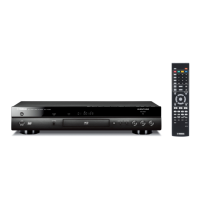
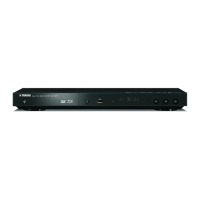
Yamaha BD-S473 - User Manual

Yamaha BD-S473
92 pages
Print Icon
To Next Page IconTo Next Page
Loading...
© 2012 Yamaha Corporation
Printed in China BD-S473/F
USB
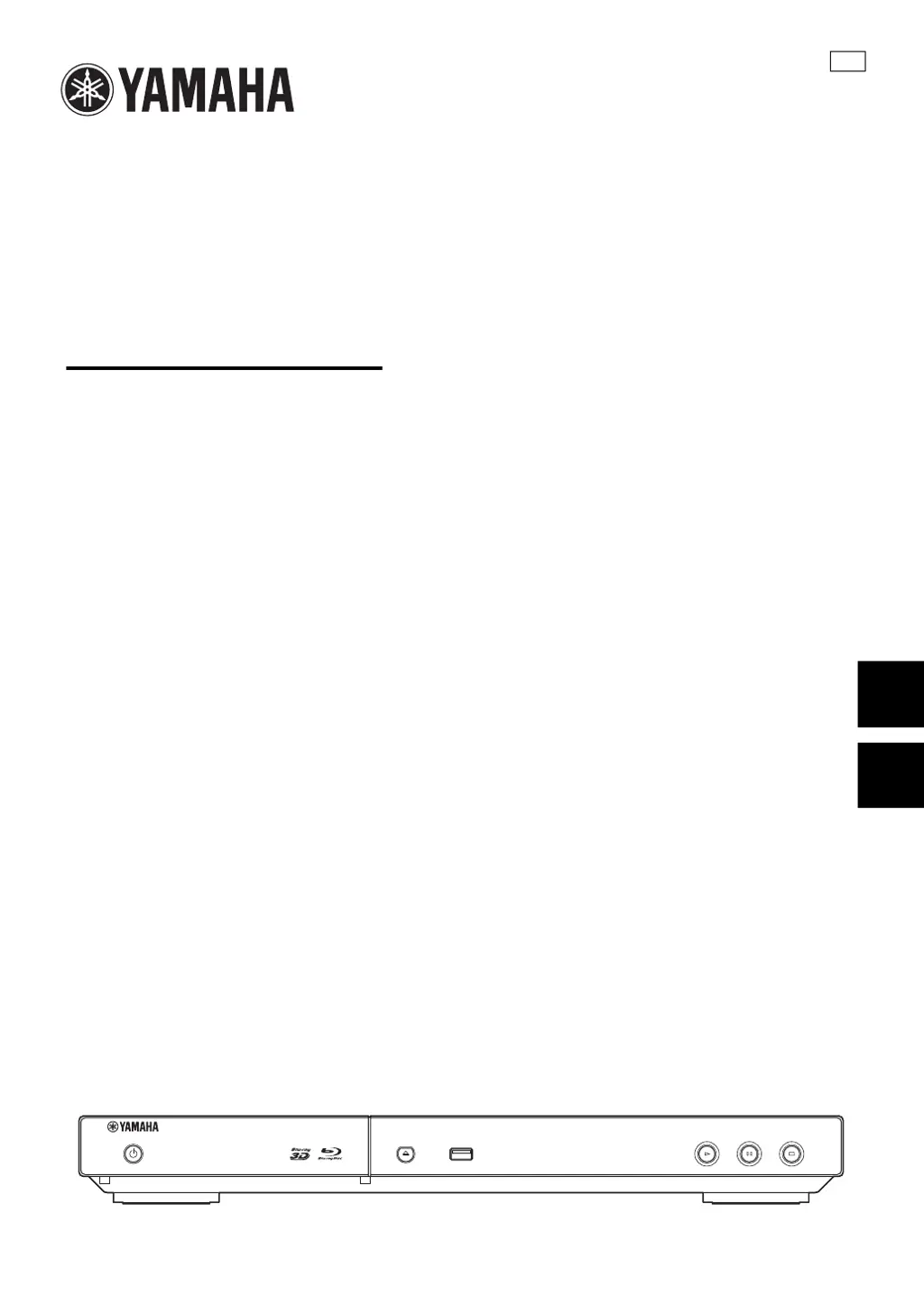
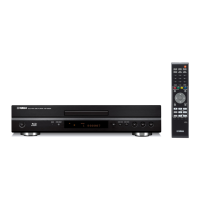
Blu-ray Disc Player
BD-S473
Инструкция по эксплуатации
Owner’s Manual
F
Русский
English

Table of Contents

Other manuals for Yamaha BD-S473

Questions and Answers

  • X
    xcooperAug 13, 2025
    What to do if my Yamaha BD-S473 won't play a disc?
    • L
      Logan ClarkAug 13, 2025
      If your Yamaha Blu-ray Player won't play a disc, try the following: * Clean the disc. * Ensure the disc is loaded correctly (aligned in the tray with the label-side up). * Verify the disc is supported by the player. * Check the region code of the disc to ensure it is compatible. * Try another disc to see if the original disc is defective. * If using a CD-R/RW, DVD+R/RW/R DL, or DVD-R/W/R DL, ensure it has been finalized.
  • M
    Maria SandersAug 16, 2025
    Why is there no power on my Yamaha BD-S473?
    • S
      Samantha StewartAug 17, 2025
      If your Yamaha Blu-ray Player has no power, ensure the AC power cable is properly connected. Also, press the power button on the front panel to turn on the power.
  • L
    Laurie PhillipsAug 20, 2025
    What to do if the buttons on my Yamaha BD-S473 Blu-ray Player do not work?
    • J
      josephpottsAug 20, 2025
      If the buttons on your Yamaha Blu-ray Player are not working, try resetting the player. You can do this by pressing and holding the power button on the front panel for more than 5 seconds, then release. If that doesn't work, unplug the power cable from the AC outlet for 10 seconds or more, plug it back in, and then turn the player on.
  • E
    Eric KirkAug 25, 2025
    What to do if Yamaha BD-S473 Blu-ray Player remote control does not work?
    • B
      Brandi SmithAug 25, 2025
      If the remote control for your Yamaha Blu-ray Player is not working, make sure you are using it within its operating range. Also, try replacing the batteries.
  • J
    Joseph CarterAug 27, 2025
    What to do if I forgot the password on my Yamaha BD-S473?
    • A
      Amanda MillsAug 28, 2025
      To reset a forgotten password on your Yamaha Blu-ray Player, press and hold the indicated buttons on the front panel simultaneously when no disc is inserted and playback is stopped to set all settings, including security settings, to their default values. After the power is turned off automatically, press the power button to turn the power on again.
  • R
    Randy CaseAug 31, 2025
    Why does my Yamaha BD-S473 Blu-ray Player turn off automatically?
    • Q
      qhorneAug 31, 2025
      The power on your Yamaha Blu-ray Player will automatically turn off after 30 minutes of inactivity (no playback).
  • J
    Jason RichardsonSep 4, 2025
    Why does my Yamaha BD-S473 Blu-ray Player video stop playing?
    • M
      madison48Sep 4, 2025
      The Yamaha Blu-ray Player will stop if it senses shock or vibration.
  • G
    Gary LarsonSep 8, 2025
    Why does my Yamaha BD-S473 make a snapping sound?
    • S
      Stefanie CarrSep 8, 2025
      The snapping sound your Yamaha Blu-ray Player makes when starting playback or loading a disc is normal operation and not a malfunction.

Summary

Important Safety Warnings

About Discs and Files

Disc Types and File Compatibility

Details compatible disc and file formats for playback.

Disc Handling Precautions

Guidelines for safely handling and storing discs.

Controls and Functions

Remote Control Overview

Explains the function of each button on the remote control.

HDMI Connection Guide

Network and USB Connection

Initial Wizard and Easy Setup

Advanced Playback Operations

SETUP Menu Configuration

System, Display, Video, Audio Settings

Configure system, display, video, audio, and network settings.

Software Upgrade Procedure

Troubleshooting Common Issues

Power, Operation, Disc, and Connection Issues

Solutions for power, remote, disc, network, and basic operation problems.

Picture, Sound, and Error Messages

Solutions for display, audio, and understanding on-screen error messages.

General Operating Cautions

Yamaha BD-S473 Specifications

General IconGeneral
BrandYamaha
ModelBD-S473
CategoryBlu-ray Player
LanguageEnglish

Related product manuals