EasyManua.ls Logo

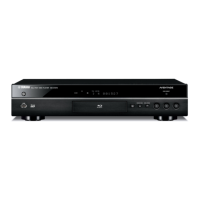
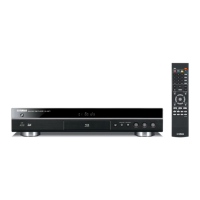
Yamaha BD-S671 - User Manual

Yamaha BD-S671
66 pages
Print Icon
To Next Page IconTo Next Page
Loading...
USB
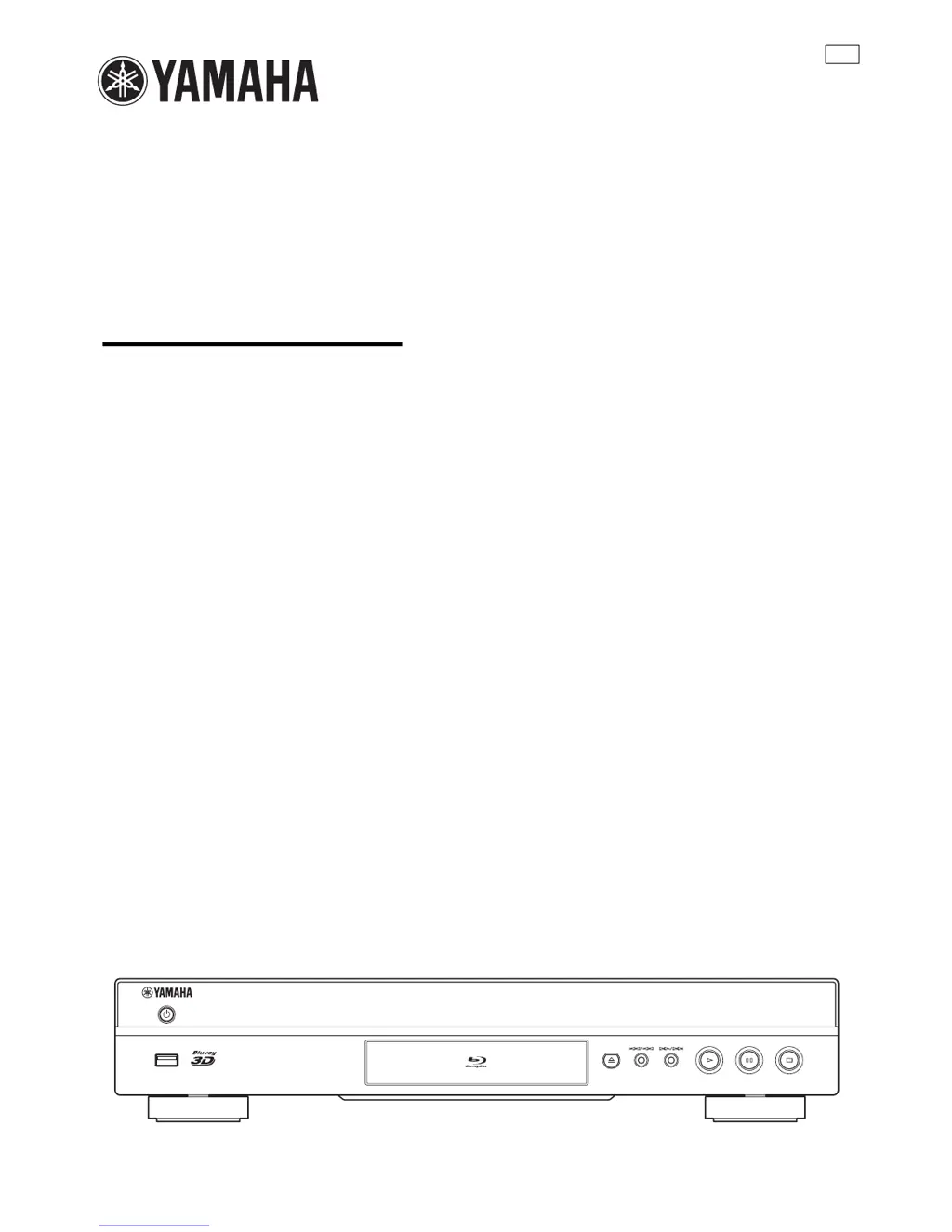
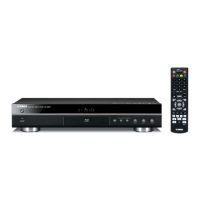
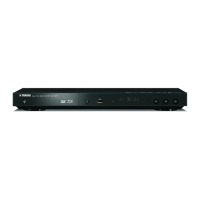
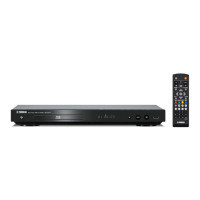
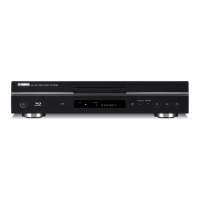
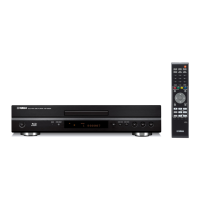
BLU-RAY DISC PLAYER
BD-S671
OWNER’S MANUAL
U

Table of Contents

Questions and Answers

  • T
    Theresa StokesSep 14, 2025
    How to fix Yamaha Blu-ray Player when it cannot connect to the Internet?
    • G
      gibsonreginaldSep 14, 2025
      If your Yamaha Blu-ray Player cannot connect to the Internet, ensure the network cable is properly connected. Turn on connected equipment such as the broadband router or modem. Connect the broadband router and/or modem properly. Set the correct values in the network settings, referring to the 'Network' section.
  • S
    Steven TrujilloAug 25, 2025
    What to do if my Yamaha BD-S671 cannot play a disc?
    • V
      Veronica RomeroAug 25, 2025
      If your Yamaha Blu-ray Player won't play a disc, first take out the disc and clean it. Make sure the disc is loaded properly with the label-side up and aligned in the disc tray. Ensure that the disc is supported by the player. If the disc is still not playing, remove the disc and check whether the player supports the disc. Also, verify that the region code is compatible. Try another disc to check if the disc is defective. If using a CD-R/RW, DVD+R/RW/R DL, or DVD-R/RW/R DL, ensure that it has been finalized.
  • A
    Alex CrossAug 26, 2025
    What does 'Not Support This File!' mean on Yamaha Blu-ray Player?
    • C
      Caroline PhillipsAug 26, 2025
      The 'Not Support This File!' message on your Yamaha Blu-ray Player means that the file you are trying to play is not supported by the player.
  • F
    Frances GreeneAug 26, 2025
    Why is my Yamaha Blu-ray Player remote control not working?
    • L
      Linda ChapmanAug 26, 2025
      If the remote control for your Yamaha Blu-ray Player isn't working, first ensure you are within the operating range of the remote. If that doesn't work, replace the batteries. If problems persist, check the ID settings for both the main unit and the remote control.
  • D
    Diana PenningtonSep 15, 2025
    Why can't my Yamaha Blu-ray Player download BD-Live contents?
    • D
      David SilvaSep 15, 2025
      If your Yamaha Blu-ray Player cannot download BD-Live content, ensure the network cable is properly connected. Verify the USB memory device is correctly connected to the player's USB port. Check that the BD disc supports BD-Live, and verify the 'Internet Connection' setting. Ensure the USB memory device is formatted in FAT16 or FAT32. Connect a USB memory device with at least 2 GB of free space, and format the device if necessary. For further assistance, consult the disc manufacturer's user manual.
  • R
    Rebecca MartinezSep 23, 2025
    Why Yamaha Blu-ray Player has no audio or images are not played back properly?
    • H
      Henry CastilloSep 23, 2025
      The audio may not be output or the images may not be played back properly for some discs in which copyright-protected contents are recorded on your Yamaha Blu-ray Player.
  • S
    Steven WhiteSep 7, 2025
    What does 'Wrong region code!' mean on Yamaha BD-S671?
    • M
      Mr. William WilsonSep 7, 2025
      The 'Wrong region code!' message on your Yamaha Blu-ray Player means that the disc you are trying to play has an incompatible region code.
  • R
    rachel36Sep 8, 2025
    What does 'Network has FAILED' mean on Yamaha BD-S671?
    • Y
      yfrenchSep 8, 2025
      The message 'Network has FAILED' on your Yamaha Blu-ray Player indicates that the player cannot be connected to the network.
  • J
    jessicawilliamsonSep 2, 2025
    Why Yamaha BD-S671 Blu-ray Player cannot detect the DLNA server?
    • C
      Caroline BruceSep 2, 2025
      If your Yamaha Blu-ray Player cannot detect the DLNA server, ensure the network cable is properly connected. Turn on the connected equipment, such as the broadband router or the server. Confirm that both the player and the server are connected to the same access point. Verify that the correct values are set in the network settings. Depending on the DLNA server, you may need to permit the player from the server settings.
  • P
    peter38Aug 31, 2025
    Why does my Yamaha Blu-ray Player video stop?
    • F
      fturnerAug 31, 2025
      The video on your Yamaha Blu-ray Player may stop if the player senses shock or vibration.

Summary

Important Safety Instructions

Operating Precautions

General Safety Guidelines

Essential precautions to ensure safe operation and prevent unit damage.

Player Features and Capabilities

What You Can Do With This Player

Overview of the player's functions, including playback and network features.

About Discs and Files

Disc and File Compatibility

Details on compatible disc types, file formats, region codes, and specifications.

Controls and Functions

Front Panel Controls

Identification and explanation of the player's front panel buttons and display.

Remote Control Operation

Detailed explanation of each button's function on the remote control unit.

Introduction to Connections

HDMI Connection

Guide for connecting via HDMI for high-quality audio and video.

Initial Setup and Menus

Initial Wizard;Easy Setup

Step-by-step guide for setting up language, resolution, and aspect ratio.

Home;Media Menu

Navigating and playing media files from discs, USB, or network.

Advanced Playback Operations

Setup Menu Options

Troubleshooting

Common Problems and Solutions

Guides for resolving issues with power, operation, disc playback, picture, sound, and network.

Yamaha BD-S671 Specifications

General IconGeneral
BrandYamaha
ModelBD-S671
CategoryBlu-ray Player
LanguageEnglish

Related product manuals