EasyManua.ls Logo

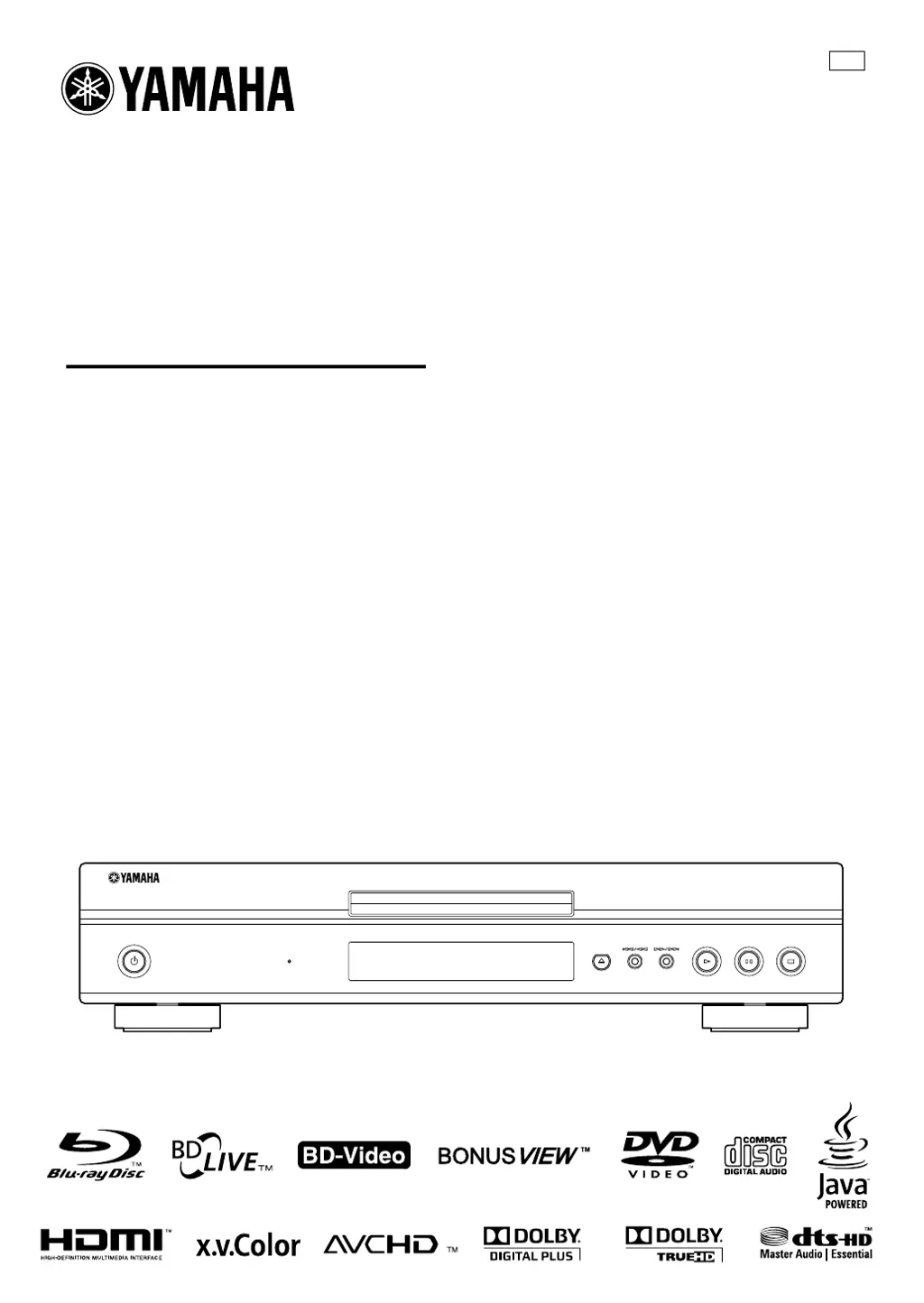
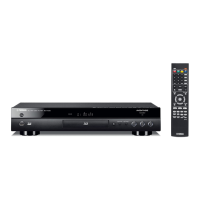
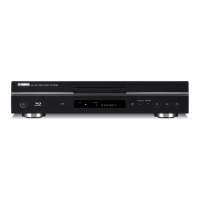
Yamaha BD-S1065 - User Manual

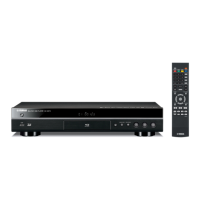
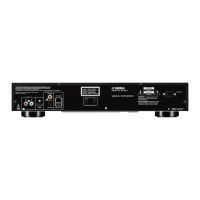
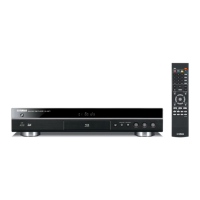
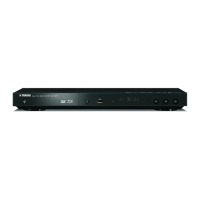
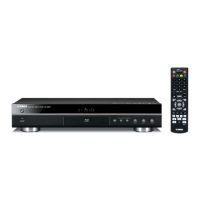
Yamaha BD-S1065
56 pages
Print Icon
To Next Page IconTo Next Page
Loading...
© 2009 Yamaha Corporation All rights reserved.
Printed in Malaysia WU26340
BD-S1065
QUICK
BLU-RAY DISC PLAYER
LECTEUR DE BLU-RAY DISC
BD-S1065
OWNER’S MANUAL
MODE D’EMPLOI
MANUAL DE INSTRUCCIONES
UP
00_BD-S1065_UP_cv.fm Page 1 Wednesday, September 16, 2009 3:47 PM
Black process 45.0° 240.0 LPI

Table of Contents

Other manuals for Yamaha BD-S1065

Questions and Answers

  • L
    Loretta VazquezAug 2, 2025
    Why Yamaha Blu-ray Player won't play a disc?
    • J
      Jessica BrownAug 2, 2025
      There are several reasons why your Yamaha Blu-ray Player might not be playing a disc: * The disc may be dirty, so take it out and clean it. * The disc might not be loaded correctly; ensure it's aligned in the disc tray with the label side up. * The region code on the disc may not match that of the player. * There may be condensation in or near the player, so allow it to dry. * The disc might be incompatible or the recording might not be normal.
  • C
    Cassandra ValdezAug 8, 2025
    What to do if Yamaha Blu-ray Player remote control does not work?
    • V
      vnortonAug 8, 2025
      If the remote control for your Yamaha Blu-ray Player isn't working, try these steps: use the remote control within its operating range, replace the batteries, and check the ID settings for both the main unit and the remote control.
  • J
    Jason RodriguezAug 14, 2025
    What to do if Yamaha BD-S1065 Blu-ray Player video stops?
    • O
      ochandlerAug 14, 2025
      If the video on your Yamaha Blu-ray Player stops, it may be due to shock or vibration. Ensure the player is on a stable surface and hasn't been subjected to any impacts.
  • P
    patrick67Aug 20, 2025
    What to do if Yamaha BD-S1065 disc is automatically ejected?
    • M
      Mitchell TranAug 20, 2025
      If your Yamaha Blu-ray Player is automatically ejecting the disc after closing the tray, make sure the disc is loaded properly (aligned in the disc tray and label-side up), clean the disc, ensure the region code on the disc matches that of the player, and verify that the disc is playable.
  • C
    Christina DudleyAug 27, 2025
    Why Yamaha BD-S1065 power is turned off?
    • H
      Heather BrooksAug 27, 2025
      If your Yamaha Blu-ray Player's power is turning off automatically, check if the “Auto Power Off” setting is set to “Yes”. When this setting is enabled, the player will automatically turn off after 10 minutes of inactivity (no playback).

Summary

Important Safety Instructions

Fire, Shock, and Product Damage Warnings

Key warnings regarding fire, electric shock, and product damage.

Installation and Ventilation Cautions

Cautions for proper unit installation and ensuring adequate ventilation.

Laser Product Safety

Safety advice related to the product's laser components.

Electrical Shock and Symbol Explanations

Cautions for electrical shock prevention and explanation of safety symbols.

FCC Information and Compliance

Important Notices and Warnings

Critical notices about unit modification, cable usage, and FCC compliance.

Operating Precautions

Installation and Environmental Guidelines

Advice on unit placement, ventilation, and environmental conditions.

Connecting Your Player

Video and Audio Connections

Guides for connecting video and audio outputs via various terminals.

Disc Playback Operations

Player Settings and Configuration

Additional Information

Troubleshooting Common Issues

Solutions for common problems encountered during operation.

Laser Safety Precautions

Detailed safety information and warnings regarding the laser system.

Yamaha BD-S1065 Specifications

General IconGeneral
HDMIYes
Weight4500 g
Playback formatsBD Video, DVD-Video, DVD-VR AVCHD, CD-DA, JPEG
Dimensions (WxDxH)435 x 96 x 316 mm
Composite video out1
Disc types supportedBD-R, BD-RE, CD
Power consumption (standby)1 W

Related product manuals