Need help?
Do you have a question about the Yamaha BD-S1900 and is the answer not in the manual?
Read and follow all safety precautions before operating the unit.
Avoid exposure to rain, moisture, or heat to prevent fire or electric shock.
Ensure proper ventilation, avoid heat/moisture, and follow installation instructions.
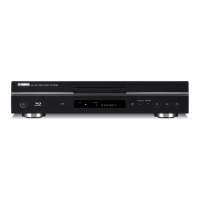
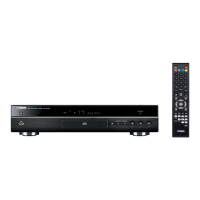
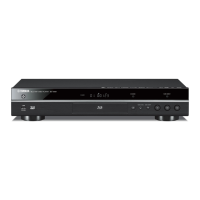
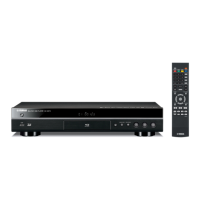
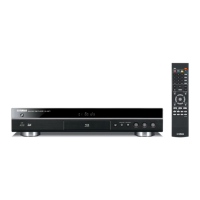
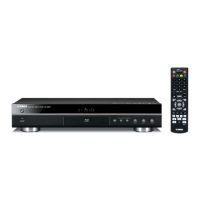
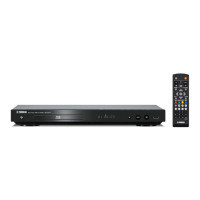
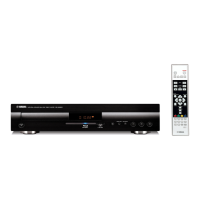
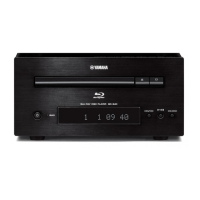
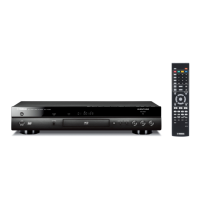
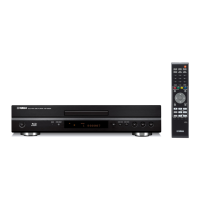
Details the buttons and indicators located on the front panel of the Blu-ray Disc Player.
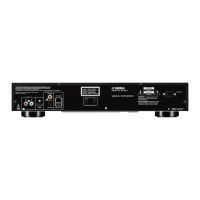
Identifies and explains the various terminals and jacks on the rear panel for connectivity.
Explains the function of each button on the remote control for operating the player.
Instructions for connecting to the HDMI terminal for high-quality digital audio and video output.
Connects the player to the internet for BD-LIVE and uses USB for storage or software updates.
Instructions on how to turn the player on and put it into standby mode.
Guides on updating the player's software via a USB memory device for improved performance.
Sets the audio output mode to match the connected audio environment for optimal sound.
Prepares the player for BD-LIVE features and enables secondary audio for commentaries.
Instructions for loading discs and performing basic playback operations like play, pause, and stop.
Adjusts video aspect ratio, output resolution, and speaker levels for optimal audio-visual experience.
Configures network settings required for BD-LIVE internet connectivity.
Instructions for updating the player's software using a USB memory device.
Solutions for problems related to power, remote control, and general player operation.
Addresses issues like discs not playing, being ejected, or video stopping.
Solutions for picture distortion, incorrect aspect ratios, no audio, or distorted sound.
Troubleshooting steps for connecting to the internet and downloading BD-LIVE content.
Details the laser specifications and crucial safety precautions to avoid eye injury.
 General
| Brand | Yamaha |
|---|---|
| Model | BD-S1900 |
| Category | Blu-ray Player |
| Language | English |

 To Next Page