6
En
CONTROLS AND FUNCTIONS
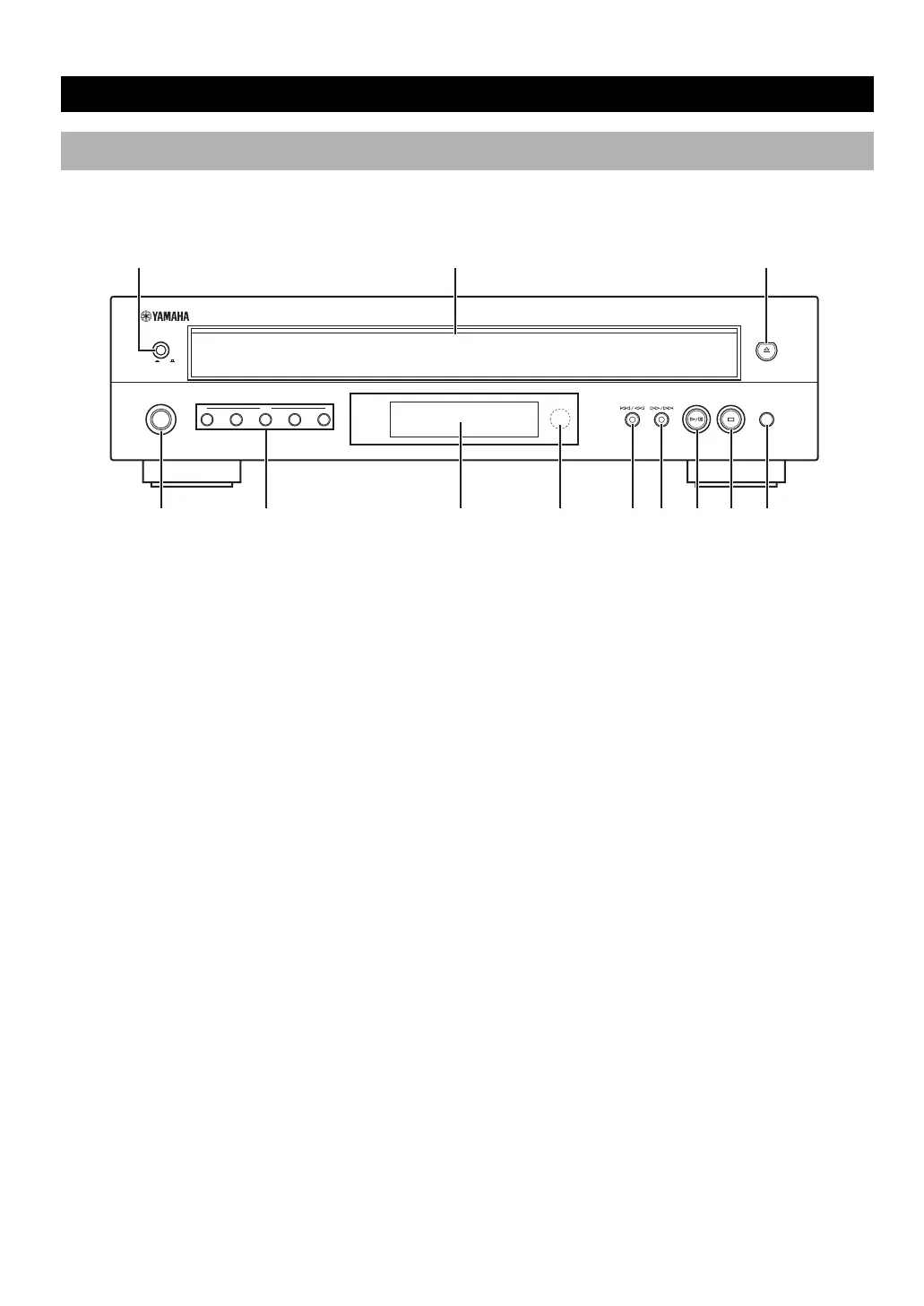
Front Panel
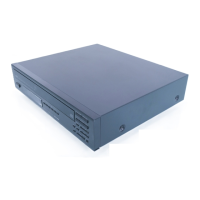
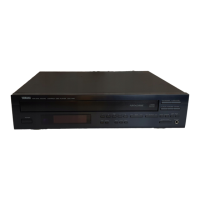
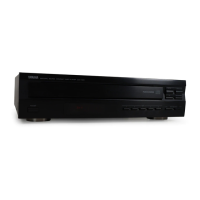
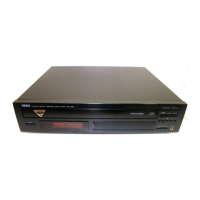
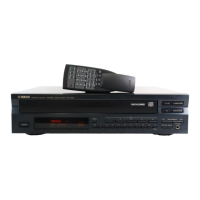
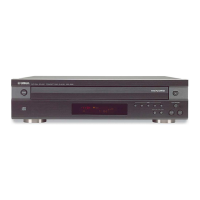
NATURAL SOUND COMPACT DISC PLAYER CDC-697
DISC
12345
STANDBY
/ON
POWER
ON OFF
PLAYXCHANGE
7 Remote control sensor .......................................P.3
8 t/e (Skip/Search) ...................................... P.11
9 r/y (Skip/Search) ...................................... P.11
0 w/d (Play/Pause) ............................................. P.10
q a (Stop) ........................................................... P.10
w PLAYXCHANGE ........................................... P.10
1 POWER ............................................................ P.9
2 Disc tray ............................................................. P.9
3 f (Open/Close) ..................................................P.9
4 STANDBY/ON ................................................. P.9
5 DISC-select ..................................................... P.10
6 Display panel ..................................................... P.8
01_En_02_star_CDC-697_UAB.p65 7/12/06, 13:226


 To Next Page