7
OPERATIONS
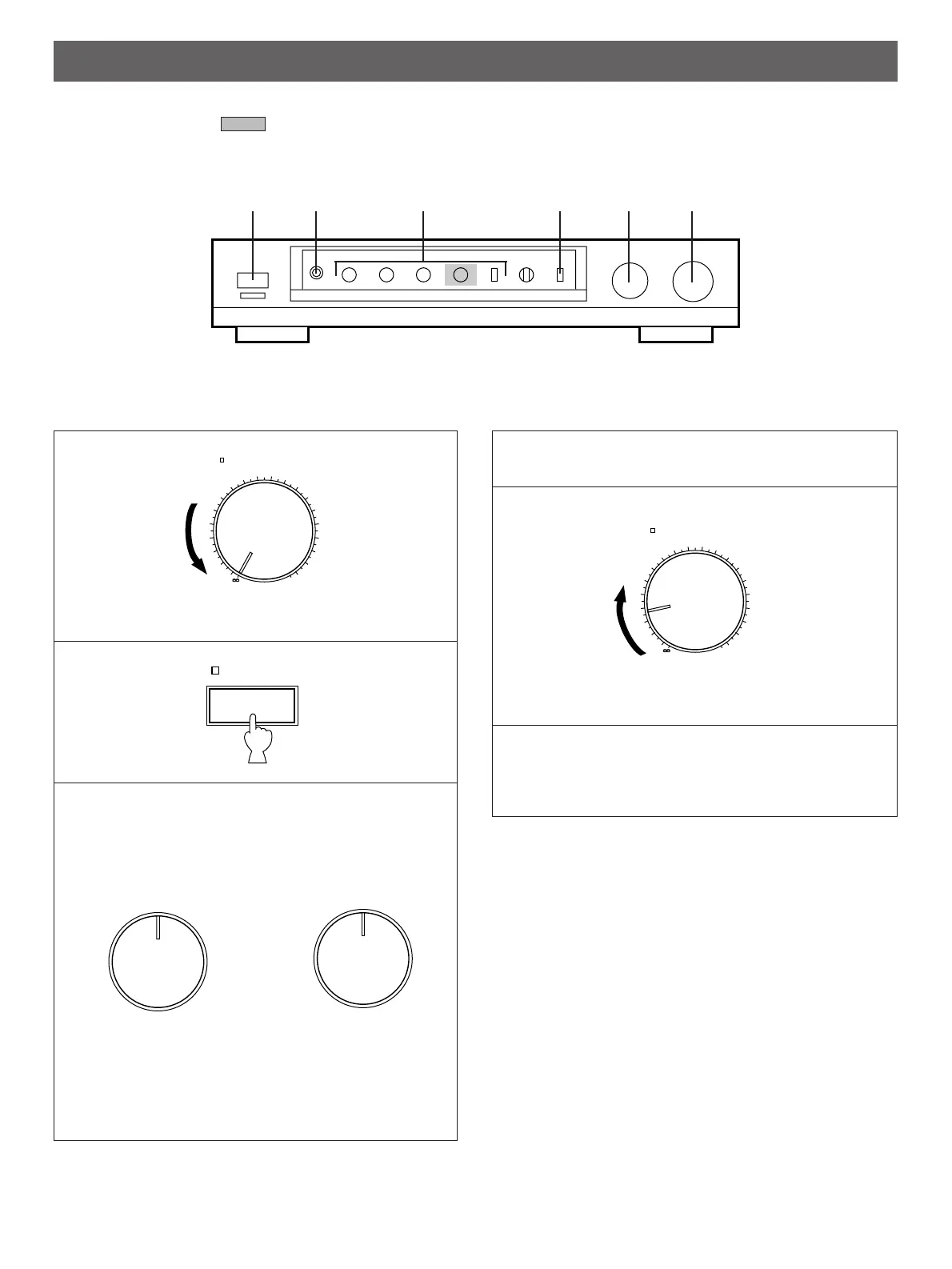
TO PLAY A SOURCE
1
Set to the “
∞
” position.
2
3
Select a desired input source.
*
If you select turntable as an input source (PHONO
position), you should confirm that the PHONO switch on
the rear panel is set to the position corresponding to the
type of cartridge being used by the turntable. (Refer to
page 6.)
4
Play the source.
5
Adjust to the desired output level.
6
If desired, adjust the LOUDNESS (for CX-2 only),
BASS, TREBLE and/or BALANCE controls, etc.
(Refer to page 10.)
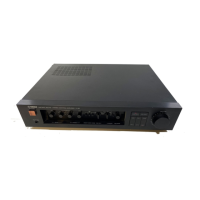
<CX-1>
<
CX-2>
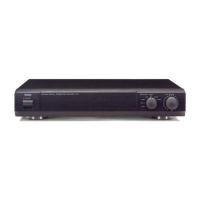
Illustration: CX-2
The part in shaded area ( )
is not present on CX-1.


 To Next Page