Disables the Bluetooth standby function.
On
Enables the Bluetooth standby function.
(The unit consumes more power than when “Off” is selected.)
This setting is not available when “Network Standby” (p.136) is set to “Off”.
Multi Zone
Configures the multi zone settings.
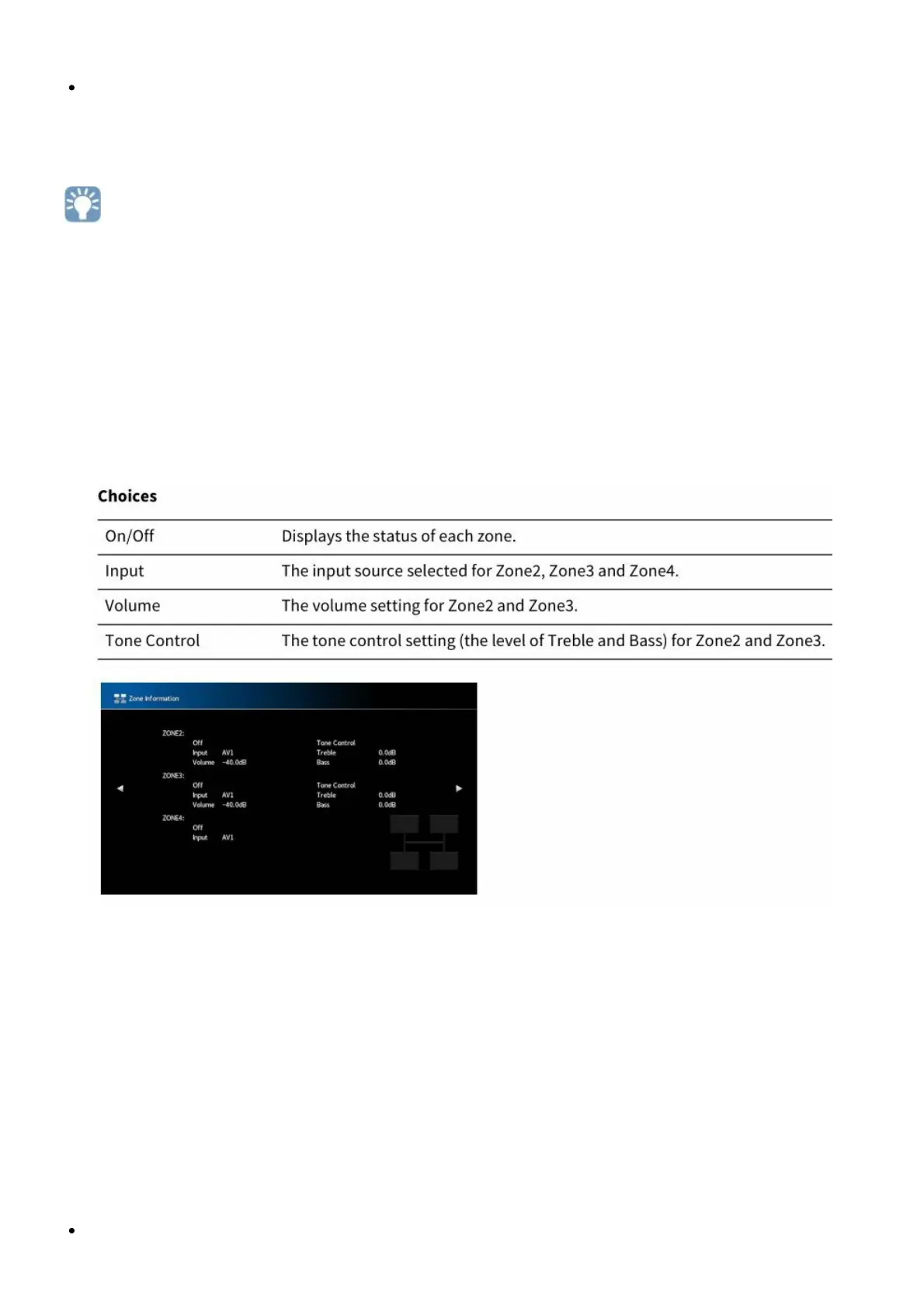
Information
Displays information about Zone2, Zone3 and Zone4.
Choices
Zone2, Zone3 Set
Configures the Zone2 or Zone3 settings.
Volume
Enables/disables volume adjustments for Zone2 or Zone3 output.
If you have connected an external amplifier with volume control to the unit, disable the volume
adjustment for the corresponding zone.
Settings
Fixed



 To Next Page