101
MIDI FUNCTIONS
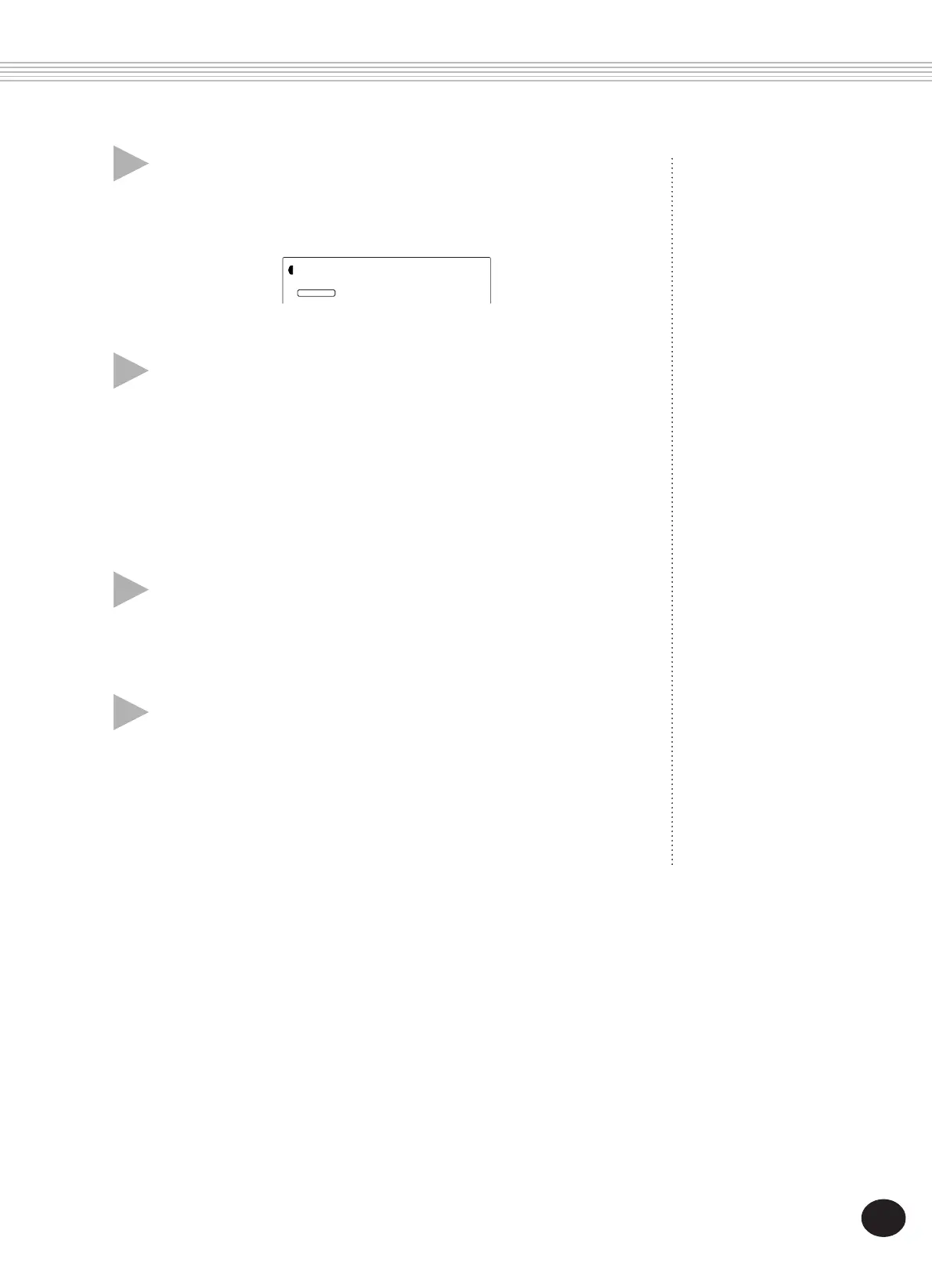
3 At the “InitSnd?” prompt above, set the opera-
tion to standby.
Press the + button.
4 Start recording on the sequencer, then send the
Initial Setup data.
Start recording on the sequencer in the normal way, then — with as
little delay as possible — press the + button to actually start transmit-
ting the data.
An “End” message briefly appears in the display when the operation
is complete, followed by the “InitSnd?” prompt.
5 Stop recording on the sequencer.
Stop recording on the sequencer in the normal way. Make sure that
any subsequently recorded performance data is recorded at least one
measure following the Initial Setup data.
6 Exit from the Initial Setup Send operation.
To exit from Initial Setup Send, press one of the other mode buttons:
SONG, STYLE, or VOICE.
STYLE
YES
FUNCTION
Sure?





 To Next Page