56
Four User banks each with four different settings — a total of sixteen — are available for your custom
settings. Each of the sixteen User Performance Setups can have different settings for the following
parameters:
Recording a User Performance Setup
1 Make all desired settings for the DJX.
Virtually all DJX settings can be saved to a User button. Refer to the
list above for details.
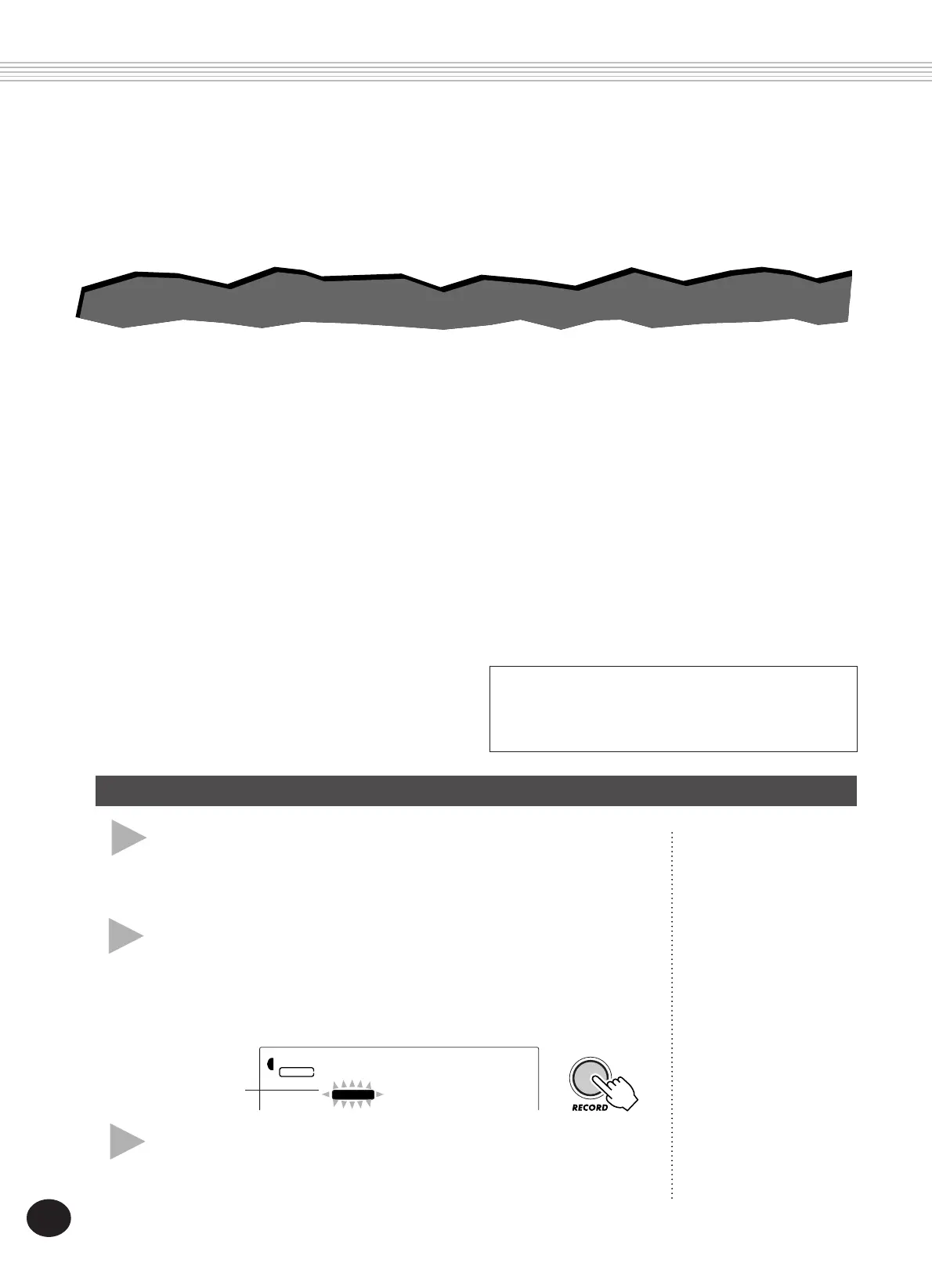
2 Select the PSU (Performance Setup) Record
mode.
Press the RECORD button, repeatedly if necessary, until “PSU User”
appears at the top of the display.
PERFORMANCE SETUP
3 Select the desired bank.
Use the +/- buttons or the numeric keypad to select the desired User
bank number (1 - 4).
Performance Setup is a powerful and convenient Style mode function that lets
you instantly reconfigure virtually all settings of the DJX — with the touch of a
single button. Two types of Performance Setups are available: User and Preset.
001
RECORD
STYLE
PSU1User
RECORD indica-
tion flashes briefly.
• Main voice number
• All Main voice settings (Volume**, Octave, Pan**, Reverb
Send Level**, Chorus Send Level**, DSP Send Level**,
Cutoff*, Resonance*, Attack*, Release*, and Modulation*)
• Dual voice number
• All Dual voice settings (On/Off, Volume**, Octave,
Pan**, Reverb Send Level**, Chorus Send Level**, DSP
Send Level**, Cutoff*, Resonance*, Attack*, Release*, and
Modulation*)
• Split voice number
• All Split voice settings (On/Off, Split Point, Volume**,
Octave, Pan**, Reverb Send Level**, Chorus Send Level**,
DSP Send Level**, Cutoff*, Resonance*, Attack*, Release*,
and Modulation*)
• Reverb Type and On/Off
• Chorus Type and On/Off
• DSP Type and On/Off
• Arpeggiator Type , On/Off, and Speed*
• Style number, and style-related settings: Pattern Control
On/Off, Section (Beat A or B), Pattern Split Point, Track
settings (Part On/Off, Volume*, Pan*, Cutoff*, Resonance*,
Reverb Send Level*, Chorus Send Level*, DSP Send Level*,
Attack*, Release*, and Modulation*), Groove*, Dynamics*,
and Dynamics Strength
• Part Select (Knobs and Ribbon Controller)
• Overall menu settings: BPM (Tempo), Transpose, Tuning,
Pattern Volume, Ribbon Controller assignment, and Assign
Knob assignment
• Footswitch assignment
• Touch Sensitivity
• Pitch Bend Range
* Last settings made with the Knobs and the Ribbon
Controller are memorized.
** Last settings made in the Function mode, and with the
Knobs and Ribbon Controller are memorized.
PERFORMANCE SETUP — USER
PERFORMANCE SETUP — USER









 To Next Page