79
DIGITAL SAMPLING
2) Use the OVERALL +/- buttons to change the setting if necessary.
(For Loop, this should be set to “YES.”)
5 Adjust the end point.
This operation is the same as in step #5 of “Setting the End Point” above.
6 Exit from the Sampling mode.
Press the RECORD button (DIGITAL SAMPLING) again. Your new loop and
end point settings are automatically saved, and are called up each time you
select the sampled voice (#284).
To edit other samples in the voice, simply repeat the entire operation
above.
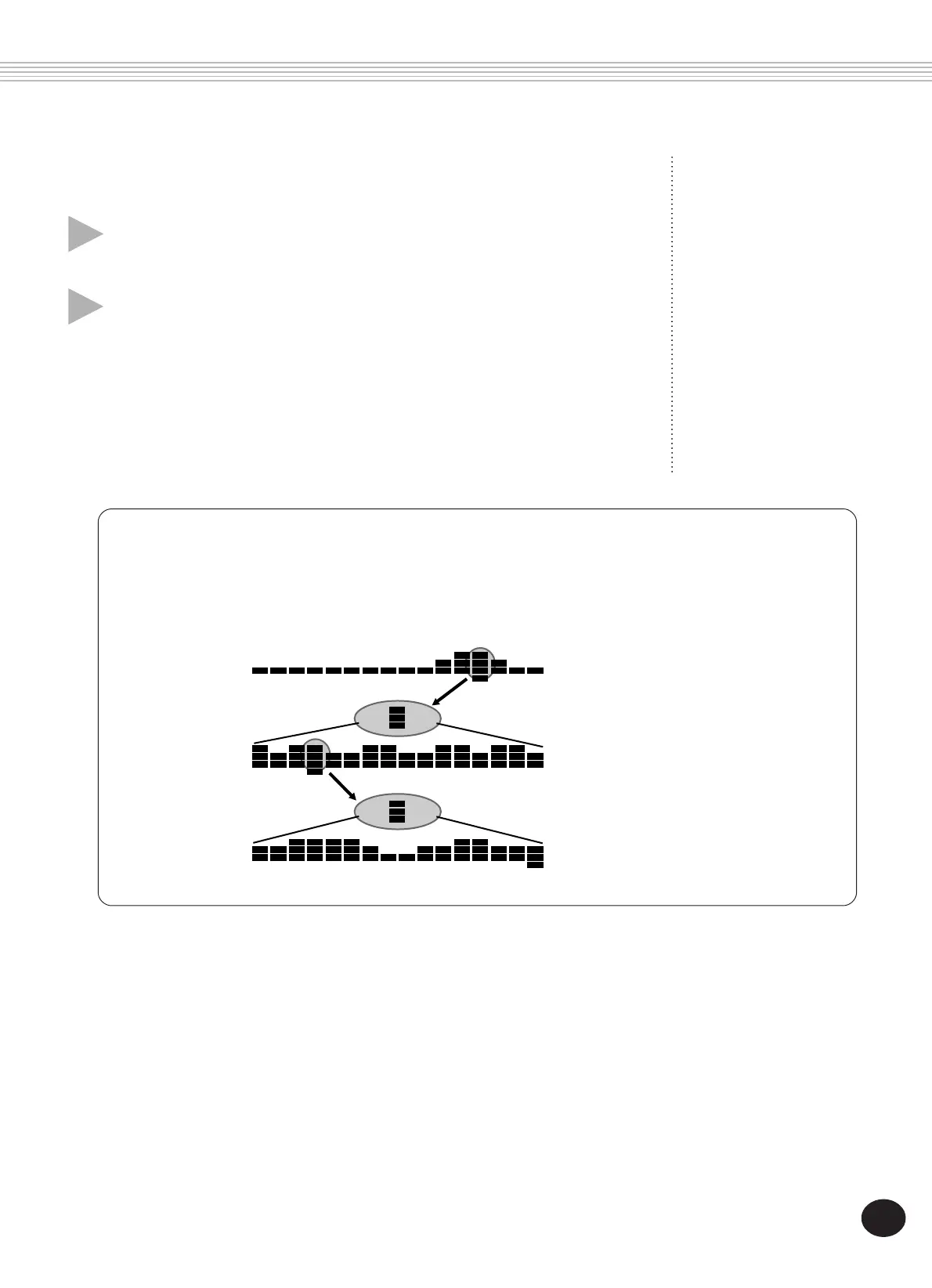
About the resolution settings
The Coarse (1/16) setting displays the entire recorded sample. The Mid (1/256) and Fine (1/4096) settings are
like successive 16-power microscopes that let you zoom in on a desired block — letting you precisely set the
end point.
Likewise, each block in Mid is
divided up into 16 blocks and
displayed as such in Fine resolu-
tion.
Each block in Coarse is divided up
into 16 blocks and displayed as
such in Mid resolution.
1/16
resolution
1/256
resolution
1/4096
resolution









 To Next Page