57
PERFORMANCE SETUP
5 Exit from the Record mode.
Press the RECORD button.
Recalling a User Performance Setup
Once you’ve recorded your settings to a User button, you can in-
stantly recall those settings any time you want.
1 Call up the Style mode.
Press the STYLE button.
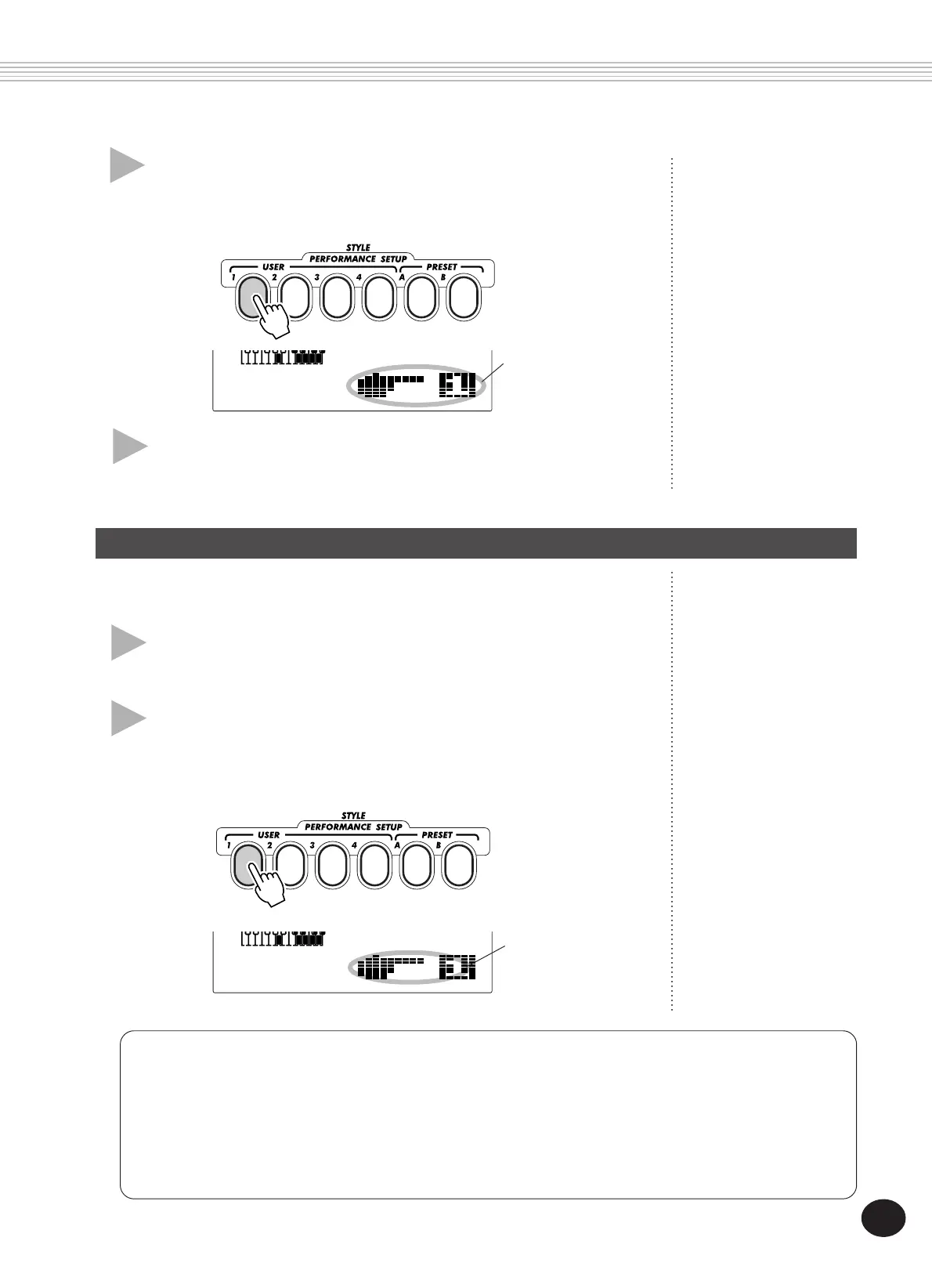
2 Press the appropriate PERFORMANCE SETUP
USER button.
Press the USER button (1 - 4) corresponding to the desired settings.
001 142
MEASURE
Briefly appears to
indicate that
settings have been
saved to Perfor-
mance Setup User
button 1.
4 Select the desired User number.
Press the corresponding USER PERFORMANCE SETUP button (1 - 4).
Doing this records the settings to the selected button.
001 142
MEASURE
Briefly appears to
indicate that
Performance
Setup User 1 is
active.
Selecting a User Bank
Before selecting a User Performance Setup (in step #2), you may want to select a different bank. To do this:
1) Select Function #41. (Press the FUNCTION button, then use the +/- buttons or the numeric keypad
to select #41.)
2) After the “FUNCTION“ indication stops flashing, select the desired bank number with the +/-
buttons or the numeric keypad.





 To Next Page