58
3-7. Use Tempo
This function sets the tempo of a song to either change each time
to its default tempo, or remain unchanged at the currently set tempo
when the song is switched.
4. TG (Tone Generator) Group
This sub-mode contains settings for the DTXPRESS’ tone genera-
tor. This group is divided into the following 4 pages.
4-1. Equalizer (EQ) ................................................. 58
4-2. Tuning .............................................................. 58
4-3. Volume ............................................................ 58
4-4. Reverb Bypass ................................................ 59
4-1. Equalizer (EQ)
Sets the Master Equalizer (2-band shelving type).
Utility Mode
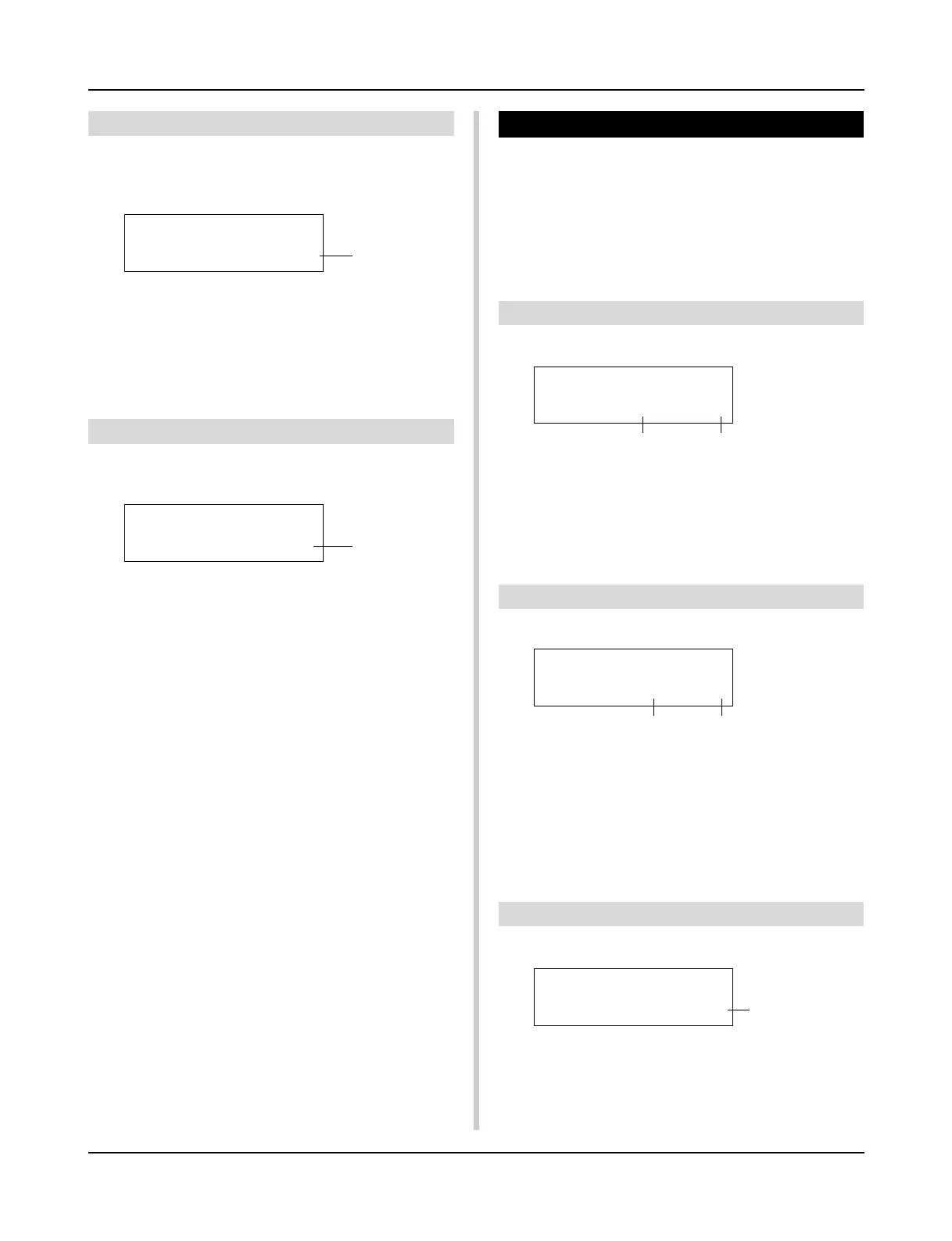
q Use Tempo
song: Changes the tempo of the song to its default tempo when
the song is switched.
global: The tempo remains unchanged at the currently set tempo
when the song is switched.
3-8. Click Mode
This sets whether or not the click voice will automatically sound
during song playback.
UT SEQ SETUP
ClickMode=manual
q EQ Lo (Low Gain)
[Range] +0 to +12 (dB)
w EQ Hi (High Gain)
[Range] +0 to +12 (dB)
4-2. Tuning
This function sets the master tuning of the tone generator.
UT TG MASTER
EQ Lo=+ 6iHi=+ 0
q Tune C (Tune Coarse)
[Range] –24 to 0 to +24
Tuning can be set in increments of a half step.
w Tune F (Tune Fine)
[Range] –64 to 0 to +63
Tuning can be set in increments of about 1.17 cents.
4-3. Volume
This function sets the overall volume level of the tone generator.
q
w
UT TG MASTER
Tune C= 0 F= 0
q w
q Volume
[Range] 0-127
UT TG MASTER
Volume= 110
q
q
UT SEQ SETUP
Use Tempo= song
q
q ClickMode (Click Mode)
manual:The [CLICK] button will control on/off operation of the
click sound.
sync:The click will sound during song playback, but will not
sound when the song is stopped. The [CLICK] button
can also be used to control on/off operation of the click
sound.













 To Next Page