Change the Dotby Pro Logic Music setting
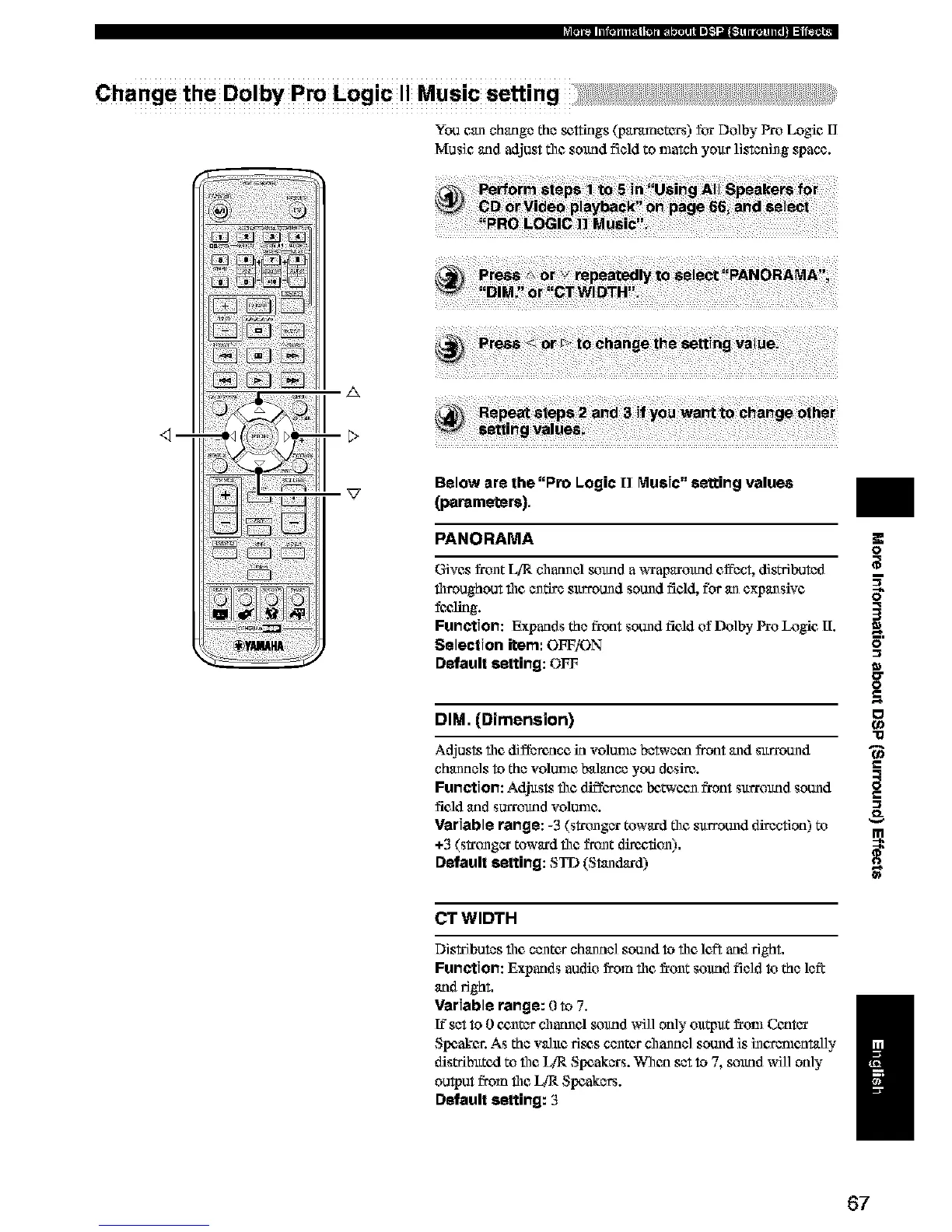
You can change the _ttings (p_tr_netcrs) for Do]by Pro Logic I]
Music and adjust tim sound field to match your listening space.
_m
A
Beloware the "Pro Logic [] Music"setting values
(parameters),
PANORAMA
Gives frunt LiR charnel sound a _xap_trmtnd cffbct, dis_buted
throughout tim entire surround sound field, for an expansive
fc_lklg.
Function: Expands the front sound field of Do]by Pro Logic [I.
Selection item: OFF/ON
Default setting: OFF
DIM. (Dimension)
O
q
3
0
0
g
"13
Adjusts tim difference in volume between front and surround
channels to the volume balance you desire.
Function: Adjusts tim diffevenc_ Ix3t_'cunfront surrmmd sound _=
field _ld SUlTOlfflO VOIDIIle.
Variable range: -3 (stronger toward tim surround direction) to
+3 (stronger toward tim front dire_:,fiun).
Default setting: STD (Standard)
CT WIDTH
Distributes tim center channel sound to tim left and fight.
Function: Expands audio from tim _runt sound field to the left
and 15ght,
Variable range: 0 to 7.
[?set to 0 c_nter channel sound will only ou_ut _rtm_Center
/
Slx:aker. As the wlue fie_s center channel sound is incv_mnt_l]y
distributed to tim _ Slx:akers. When set to 7, sound will only
output from tim _ Speakers.
Default setting: 3
67


 To Next Page
 Loading...