26
EAD10 Owner’s Manual
Turning On or Off
Setup Guide
3.
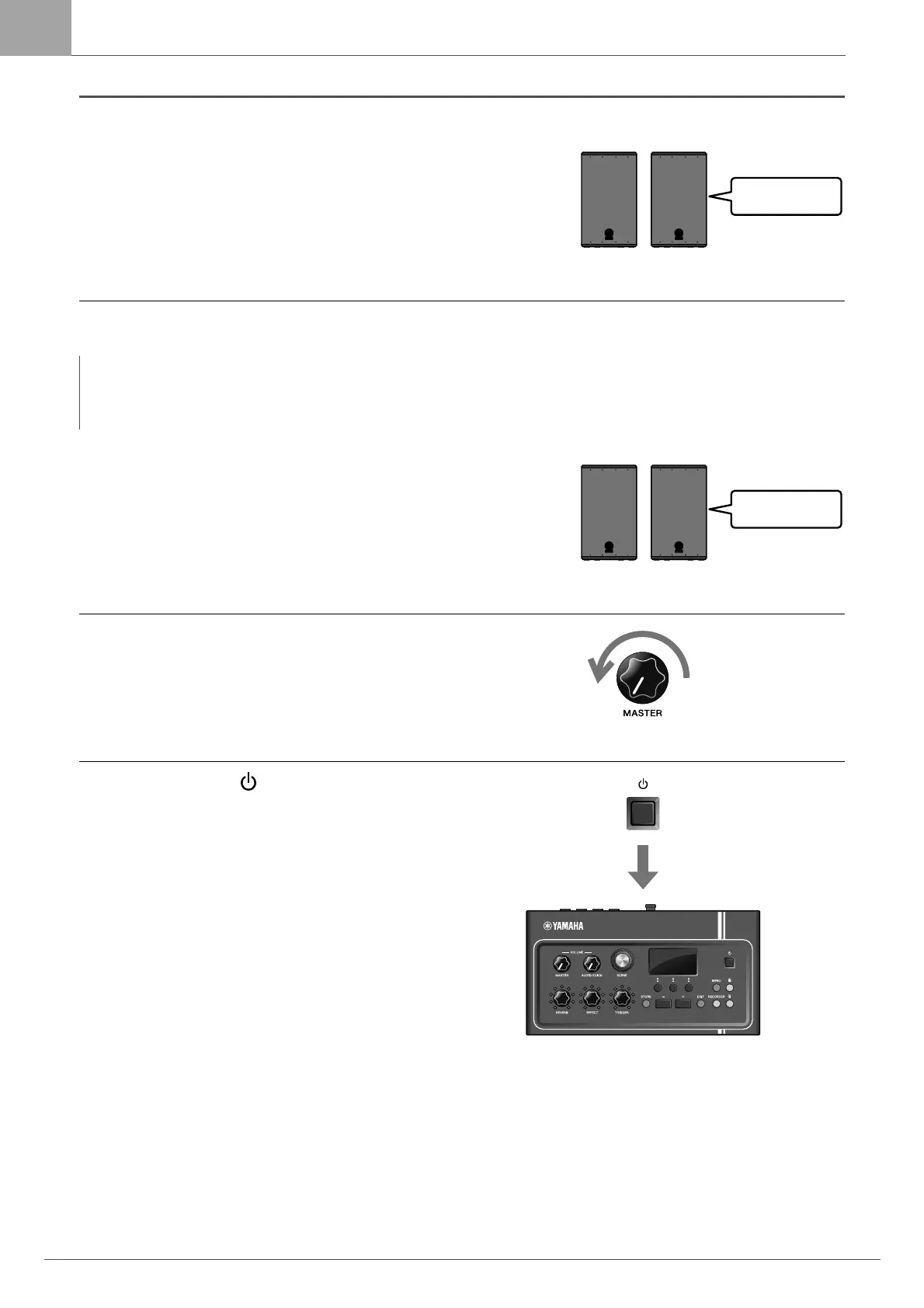
If you are connected to a PA system:
Turn the external speakers on.
Turning Off
1.
If you are connected to a PA system:
Turn the external speakers off.
2.
Turn the [MASTER VOLUME] knob fully
counterclockwise to lower the volume to its
minimum.
3.
Hold down the [ ] (Standby/On) switch.
The EAD10 is in Standby and the display and lights are
off.
NOTICE
• The Main Unit automatically stores settings when the power is turned off, so do not unplug the AC adaptor until the LCD
screen is turned off completely.
• Unsaved Scene data will lost, so always save (Store) data before turning the power off.


 To Next Page
 Loading...